What it is
A raw LLM call is capable but unreliable on its own. The same prompt passes yesterday and misses today, and a single bad output lands straight in front of a user.
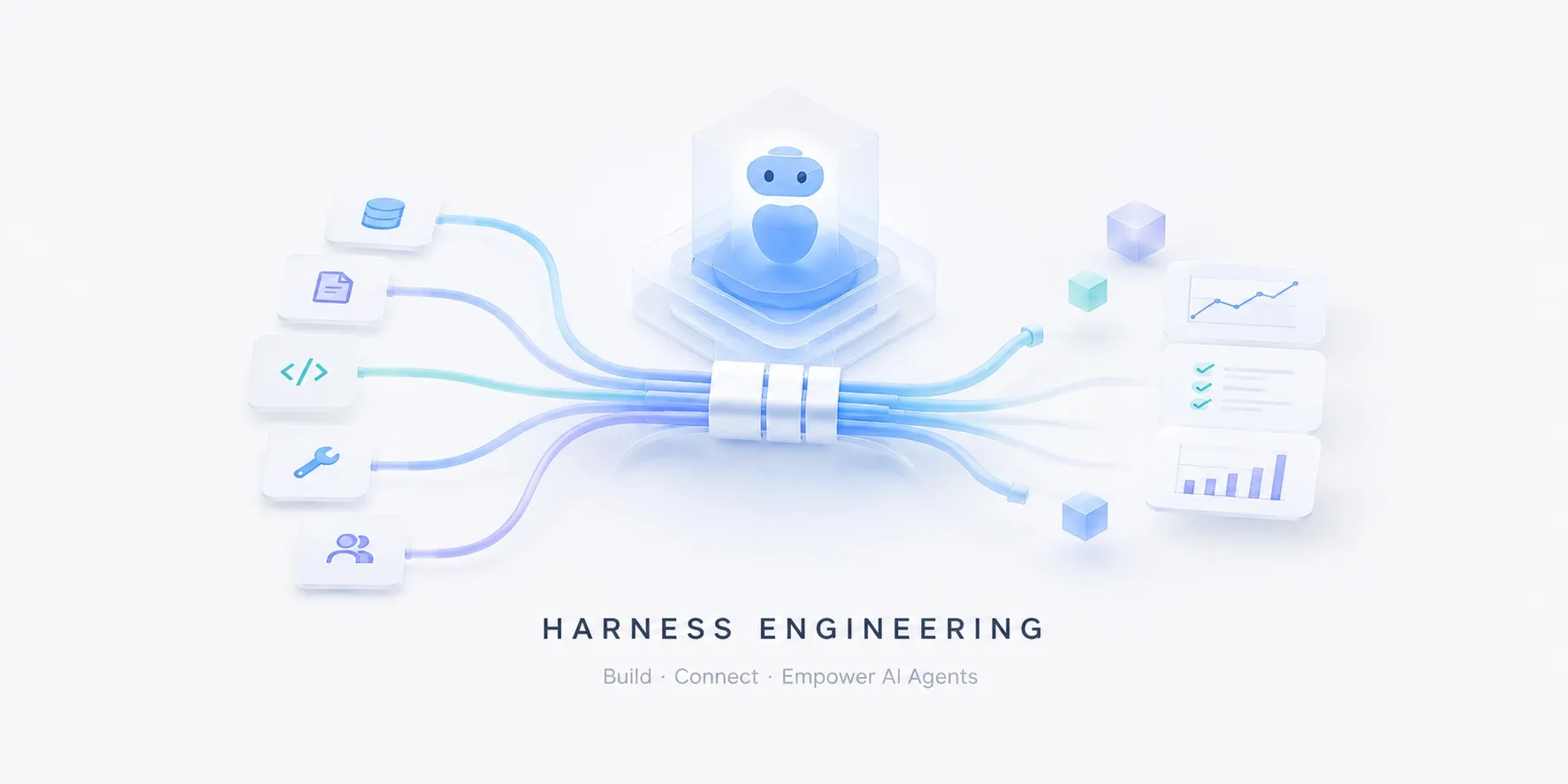
Harness engineering is building the scaffolding around the model — the control loop, the tools it can reach, a code sandbox, checks on its I/O, and the measurement that proves it works. The model is one part; the harness is everything else that makes it dependable.
flowchart LR
  subgraph harness [harness]
    loop[agent loop]
    loop --> tools[tools / web]
    loop --> sandbox[code sandbox]
    loop -.-> guard[guardrails]
    loop --> obs[(tracing / eval)]
  end
  task[task] --> loop
  loop --> model[(LLM)]
  model --> loop
  loop --> out[result]
  class harness aaszone
Over the past few years the center of gravity has shifted from prompt engineering to harness engineering. Finding a cleverer sentence matters less than designing the system around a model that can be wrong — that is what decides reliability.
flowchart LR
  subgraph pe ["prompt engineering — tune the wording"]
    direction LR
    a1["clever prompt"] --> a2[("LLM")] --> a3["output"]
  end
  subgraph he ["harness engineering — design the surroundings"]
    direction LR
    b1["task"] --> b2["loop · tools · sandbox · guardrails · eval"]
    b2 <--> b3[("LLM")]
    b2 --> b4["reliable output"]
  end
  class he aaszone
Why it matters
Most of the demo-to-production gap is harness, not model. A demo only has to succeed once; production has to behave safely across thousands of calls, every time. A bigger model rarely fixes the problems below — they are structural.
| Common failure | Fixed by |
|---|---|
| Runaway loops — circling or retrying without end | A bounded agent loop |
| Risky side effects — deleted files, arbitrary network calls | A code sandbox |
| Unsafe / off-topic output — leaked data, off-topic detours | Guardrails |
| Silent wrong answers — confident, plausible falsehoods | Evaluation · tracing |
| “Worked yesterday” — quiet quality drops or cost spikes after a change | Observability |
Each row is solved by a layer outside the model, not by a smarter one — how each one works is covered in the safety layers below.
Capabilities — reasoning and acting
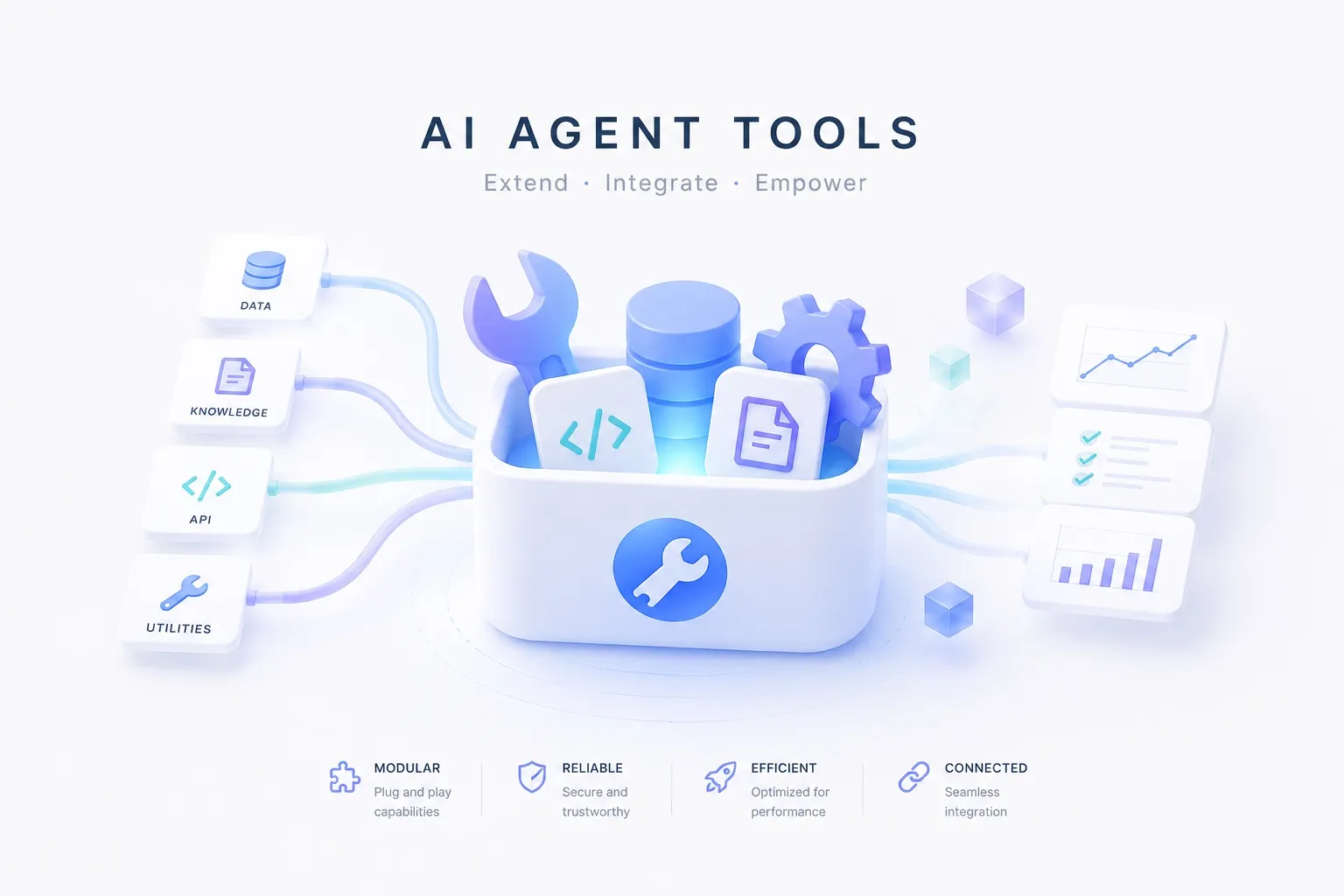
A harness isn’t one tool but a set of roles. The innermost is the substrate the agent reasons and acts with: the model does the reasoning, and tools & web access do the acting that touches the world. They decide what the agent can do — the layers that make it reliable come next.
Model
The reasoning engine. Keep it swappable across cost, latency, and capability so you never hard-wire your code to a single provider.
Direct APIs



Gateway
Fallbacks and cost routing across providers. When one model is down or slow, route to another, and keep every call behind one interface.
Example. Gateway fallback
When one provider goes down or slows, the gateway routes to another model automatically.
- A primary model times out or 5xxes → fall back to a backup
- Route by cost or latency
- Caller code stays the same; only the model swaps
flowchart LR
  call["call"] --> gw{"gateway"}
  gw --> m1["model A"]
  m1 -. fails · slow .-> gw
  gw -. fallback .-> m2["model B"]
  m2 --> out["response"]
  class m1 roleModel
  class m2 roleModel
Tools & web access
What the agent can actually do — call apps, search, pull fresh data, and drive a browser. A model’s knowledge stops at its training cutoff, so anything current and real has to arrive through tools.
Safety layers — guarding against failure
Capability alone doesn’t make it reliable. Each layer below guards against one of the failure modes in Why it matters above — you don’t need them all up front, only where a risk shows.
Code sandbox
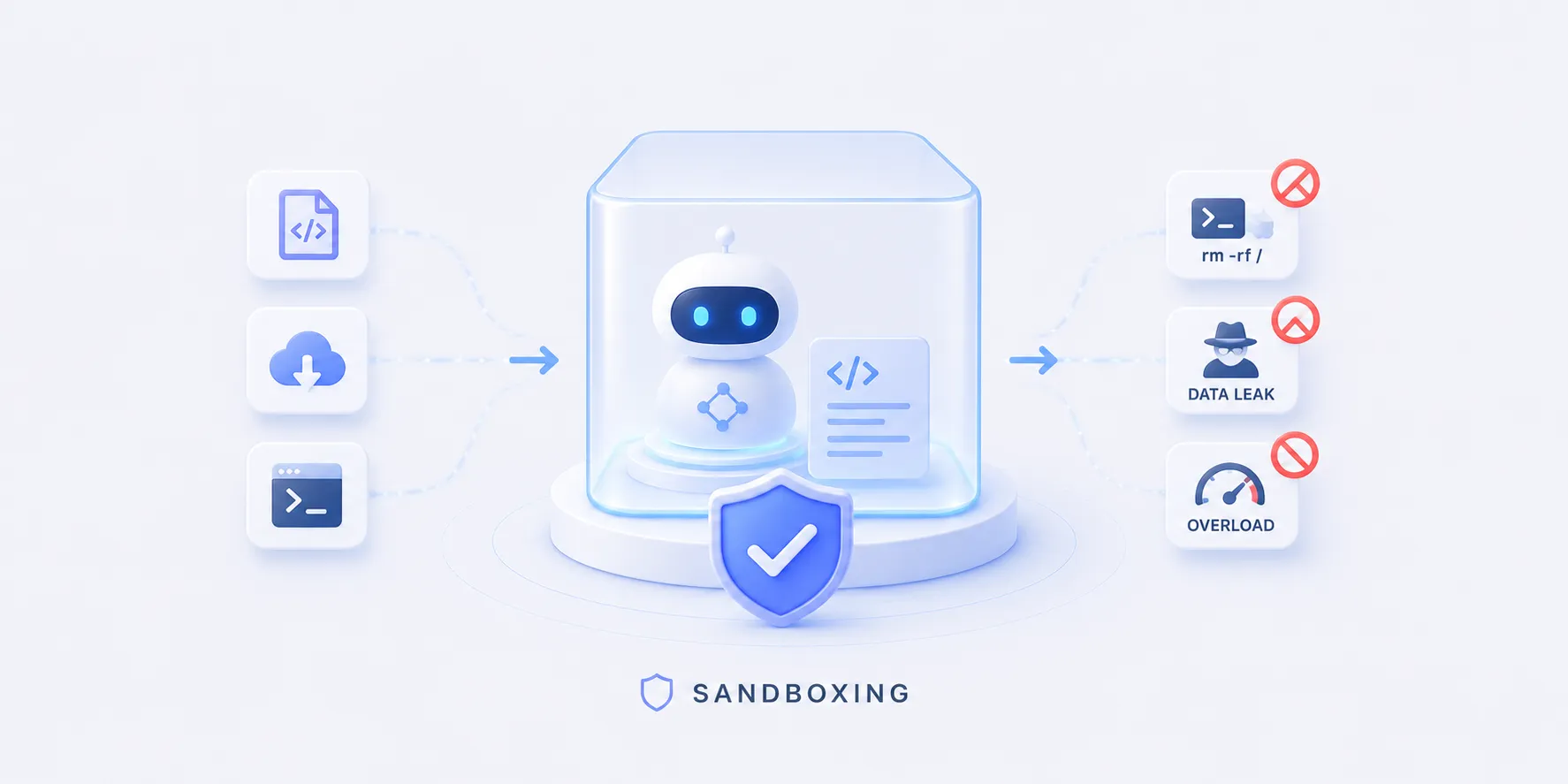
Runs model-written code in isolation, so a bad command can’t touch your machine or your data. Disposable runtimes spin up and tear down fast, which is what makes them the safety net behind a code-running agent. It isolates risky side effects like deleted files or arbitrary network calls. The same isolated runtime is also a verification tool: evaluation runs the model’s code here to catch errors like a call to a nonexistent API.
Example. Isolating side effects
Model-written code runs in a disposable, isolated environment, so a bad command can’t reach the host.
For example, even if the model emits rm -rf ~, it only runs inside the sandbox and then disappears.
- Accidentally deleting files or directories
- Arbitrary outbound network requests
- Corrupting system config or dependencies
flowchart LR
  code["model code — rm -rf ~"] --> sandbox["code sandbox"]
  sandbox -. isolates .- host["your machine · data"]
  class sandbox roleSource

Guardrails
Validate and constrain both input and output at runtime, before anything bad flows. On the way in, catch prompt injection and jailbreaks; on the way out, enforce an output schema and block unsafe or off-topic content. Checked while the agent runs, not after the fact — stopping unsafe / off-topic output before it reaches a user.
Example. Stopping it before it lands
Both input and output are checked at runtime, and a violation is blocked or rewritten.
On the way in, an injection hidden in retrieved data — “ignore previous instructions…” — is dropped; on the way out, my email is abc@test.com becomes my email is [redacted email].
- A prompt injection or jailbreak hidden in input or retrieved data — “ignore previous instructions…”
- Personal data or secret keys leaked verbatim
- Profanity, hate, or other unsafe language
- Drifting into a topic nobody asked about
flowchart LR
  inp["input — …ignore previous instructions…"] --> ginp{"guardrails · in"}
  ginp -- injection --> drop["reject"]
  ginp -- pass --> loop["agent loop"]
  loop --> gout{"guardrails · out"}
  gout -- violation --> fix["mask — ⟨redacted⟩"]
  gout -- pass --> user["user"]
  fix --> user
  class ginp roleGuard
  class gout roleGuard
Evaluation
Score quality with metrics and test suites, so you know a change actually helped. Run faithfulness, relevance, and correctness checks in CI instead of eyeballing, and the pipeline catches regressions before a person does. It filters out the silent wrong answers a model hands you with confidence. It doesn’t take a claim at face value but picks the check that fits, and each step is logged to observability (tracing).
Example. Scoring claims against a source
A factual claim is scored by evaluation against a source — the retrieved context or a reference.
In RAG, the very context the model retrieved is what it grades against.
A code claim like pandas.read_yaml is checked for real existence by a static check or by running it in the code sandbox.
How those scores are then thresholded to block or retry is covered under orchestration below.
- Unsourced numbers — asserting “this job used 20 GPUs” with no basis
- Subtly wrong facts — “supported since Python 3.9” when it’s really 3.11
- Nonexistent APIs — calling a function that doesn’t exist, like
pandas.read_yaml()
flowchart LR
  ans["answer claims — A·B·C"] --> eval["evaluation"]
  src[("source · retrieved context/reference")] --> eval
  eval --> sa["claim A · 20"]
  eval --> sb["claim B · 80"]
  eval --> sc["claim C · 60"]
  class eval roleEval
  class src roleSource


Observability
Trace every step, token, and cost in production to catch regressions early. If you can’t see what was called, where it slowed down, and where the cost went, you can’t fix it. It catches the “worked yesterday” regressions that quietly appear after a change, before your users do.
Example. Catching regressions early
Tracing every step, token, and cost surfaces a regression after a change before your users hit it.
- A subtle accuracy drop after swapping models
- More tokens and cost after a prompt edit
- A flow broken by an external tool change
flowchart LR
  run["production run"] --> trace[("tracing — steps · tokens · cost")]
  trace --> gate{"regression?"}
  gate -- yes --> notify["alert · trace the cause"]
  gate -- no --> ok["healthy"]
  class trace roleTrace



Orchestration — the spine that drives the cycle
Now the pieces come together. The loop calls reason→act→observe in turn — the spine — deciding at each gate whether to stop, retry, or pass, and logging every step to observability (tracing). The model, tools, evaluation, and sandbox above fill each of its steps.
Agent loop
Orchestrates the reason→act cycle, manages state, and decides when to call a tool versus stop. The loop is your control flow: make step counts, retries, and branches explicit, and a wandering model stops at a set limit instead of spinning forever. It guards against a runaway loop that circles or retries without end.
Example 1. Stopping at a step cap
The loop runs reason→call-tool→observe, then stops and reports once it passes a cap.
- An infinite loop repeating the same search
- Endless retries of a failing tool call
- Reasoning that circles without nearing an answer
flowchart LR
  task["task"] --> reason["reason"]
  reason --> tool["call tool"]
  tool --> obs["observe"]
  obs --> gate{"over a cap?"}
  gate -- no --> reason
  gate -- yes --> stop["stop · report"]
  reason -.log.-> trace[("tracing")]
  tool -.log.-> trace
  class reason roleModel
  class tool roleTool
  class trace roleTrace
Example 2. Gating on evaluation scores
The loop thresholds the scores evaluation assigns: below the bar it blocks and re-checks the source, above it accepts.
flowchart LR
  q["question"] --> model["model"]
  model --> ans["answer — claims A·B·C"]
  ans --> eval["evaluation"]
  src[("source · retrieved context/reference")] --> eval
  eval --> sa["claim A · 20"]
  eval --> sb["claim B · 80"]
  eval --> sc["claim C · 60"]
  sa --> gate{"below 70?"}
  sb --> gate
  sc --> gate
  gate -- yes --> block["block → re-check source"]
  gate -- no --> ok["accept"]
  model -.log.-> trace[("tracing")]
  eval -.log.-> trace
  class model roleModel
  class eval roleEval
  class trace roleTrace
  class src roleSource
Example 3. Verifying code, then retrying
Model-written code runs through the code sandbox or a static check; on an error it’s fixed and retried, otherwise accepted.
A nonexistent function like pandas.read_yaml() surfaces as an AttributeError.
flowchart LR
  q["question"] --> model["model"]
  model --> code["code — pandas.read_yaml()"]
  code --> check["run in sandbox · static check"]
  env[("exec env · deps/stubs")] --> check
  check --> err{"error / missing?"}
  err -- yes --> fix["fix · retry"]
  err -- no --> pass["accept"]
  model -.log.-> trace[("tracing")]
  check -.log.-> trace
  class model roleModel
  class check roleEval
  class trace roleTrace
  class env roleSource



How to approach it
Don’t build it all at once. The trick is to add one layer at a time, in the order the risks show up.
- Start with the loop + model — the simplest reason→act loop.
- Add a sandbox once the agent runs code — isolate the side effects.
- Add guardrails once output reaches users — validate before it lands.
- Add evaluation + tracing the moment you iterate — you can’t improve what you can’t measure.
Each step answers a risk the previous one created. Don’t stack layers before you need them; add one where a problem actually shows.
Principles to keep in mind
- Start small, grow by measuring — without evaluation and tracing you can’t even tell what to add next.
- When in doubt, block — guardrails and sandboxes should default to stopping, not passing, on the ambiguous case.
- Keep the model swappable — a gateway frees you from one provider and makes moving to a cheaper or faster model easy.
- Bound the loop — caps on steps, cost, and time are what stop a runaway agent.