What it is
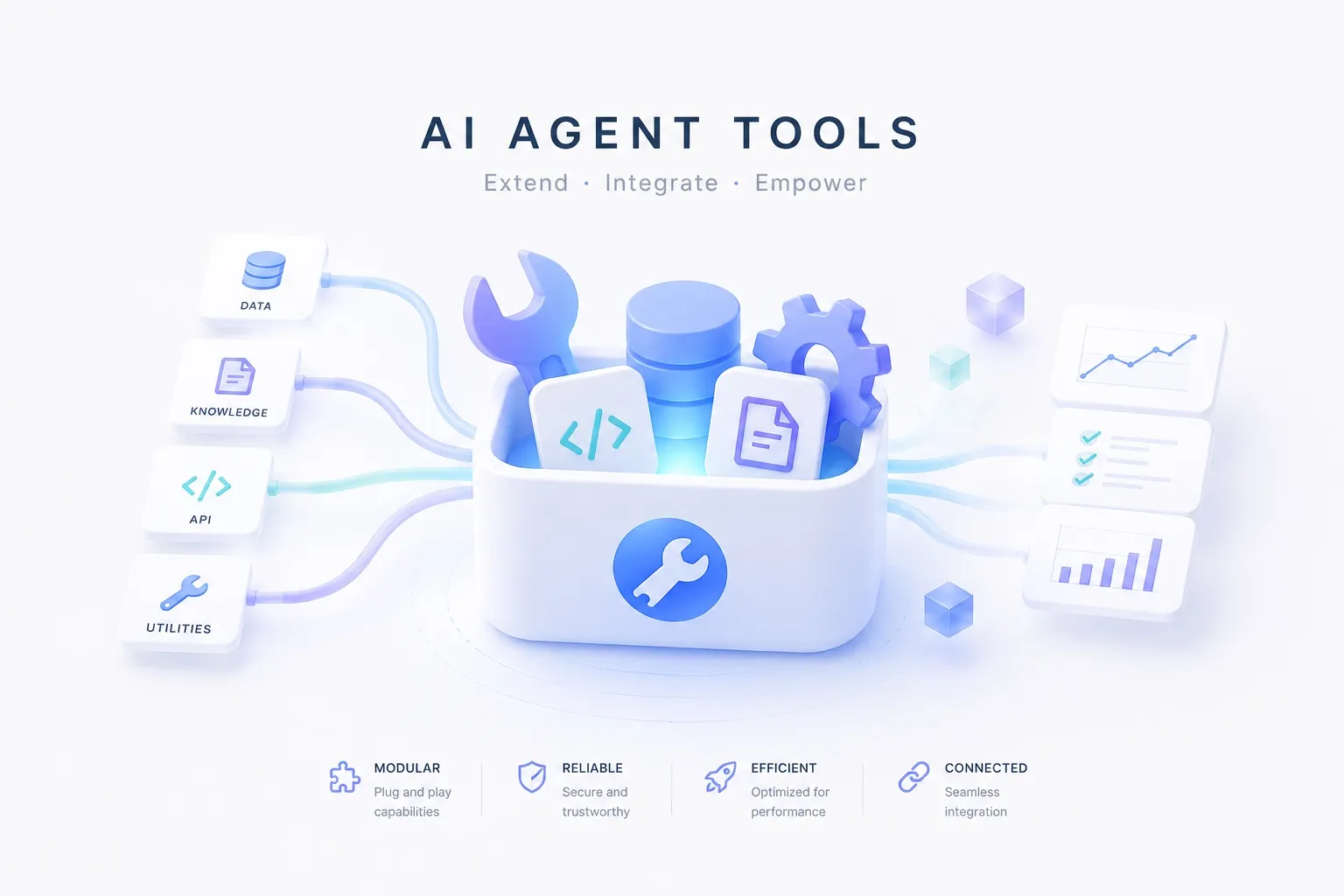
A tool is a function that connects a model to the outside world. On its own a model only generates text; searching, reading a page, or booking a slot all happen only through a tool.
The flow is simple. The model is handed a list of available tools and each one’s input schema, picks a tool when it needs one and fills in the arguments, calls it, and feeds the result back into its reasoning to decide what’s next. That “pick a tool and fill the arguments” is what’s commonly called function calling.
flowchart LR
  model["model"] -- pick tool · args --> sel["tool call"]
  sel --> tool["tool — search · API · browser"]
  tool --> result[("result")]
  result --> model
  model --> answer["answer"]
  class model roleModel
  class tool roleTool
  class result roleSource
Why it matters
A model’s knowledge stops at its training cutoff, and a model can’t do anything on its own. Tools bridge both gaps. They pull in current data and carry out real actions.
| Without tools | What a tool bridges |
|---|---|
| Stale knowledge — nothing past the training cutoff | Web search to look up current facts and prices |
| Unreadable pages — no idea what’s behind a link | Scraping & crawling to pull the page content |
| Unclickable UIs — can’t touch a screen with no API | Browser automation to operate it like a person |
| Out-of-reach apps — no access to mail, calendar, SaaS | App & API integration to delegate auth and calls |
| Unrunnable code — no exact computation or verification | Code execution to run it in a sandbox |
Each row is solved by a line out to the world, not by a smarter model. Which tool fills each spot is covered below.
The kinds — and the tools that fill them
Tools divide by what they connect to. Below are the common kinds and the catalog tools that fill each spot.
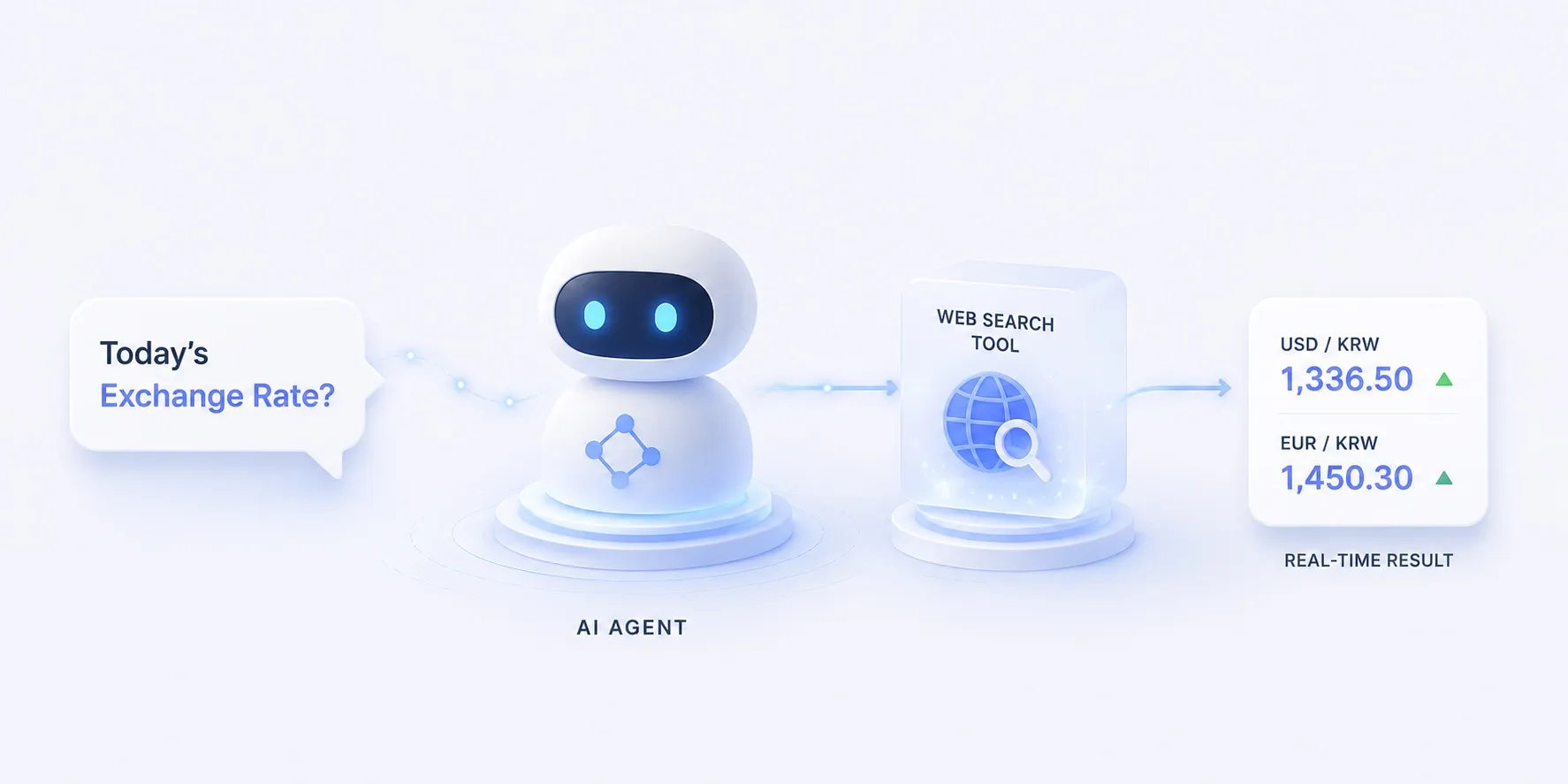
Web search
Finds web results for a question and returns them as usable excerpts and citations, not just links. Current facts and prices the model doesn’t know go straight into its reasoning.
Example. Asking today’s FX rate
Anything the model’s training doesn’t have comes in through a search.
- Facts and news after the training cutoff
- Frequently changing values like prices and rates
- Augmenting RAG with external sources
flowchart LR
  q["question — today's FX rate?"] --> model["model"]
  model -- query --> search["web search tool"]
  search --> hits[("results · excerpts")]
  hits --> model
  model --> ans["answer + sources"]
  class model roleModel
  class search roleTool
  class hits roleSource
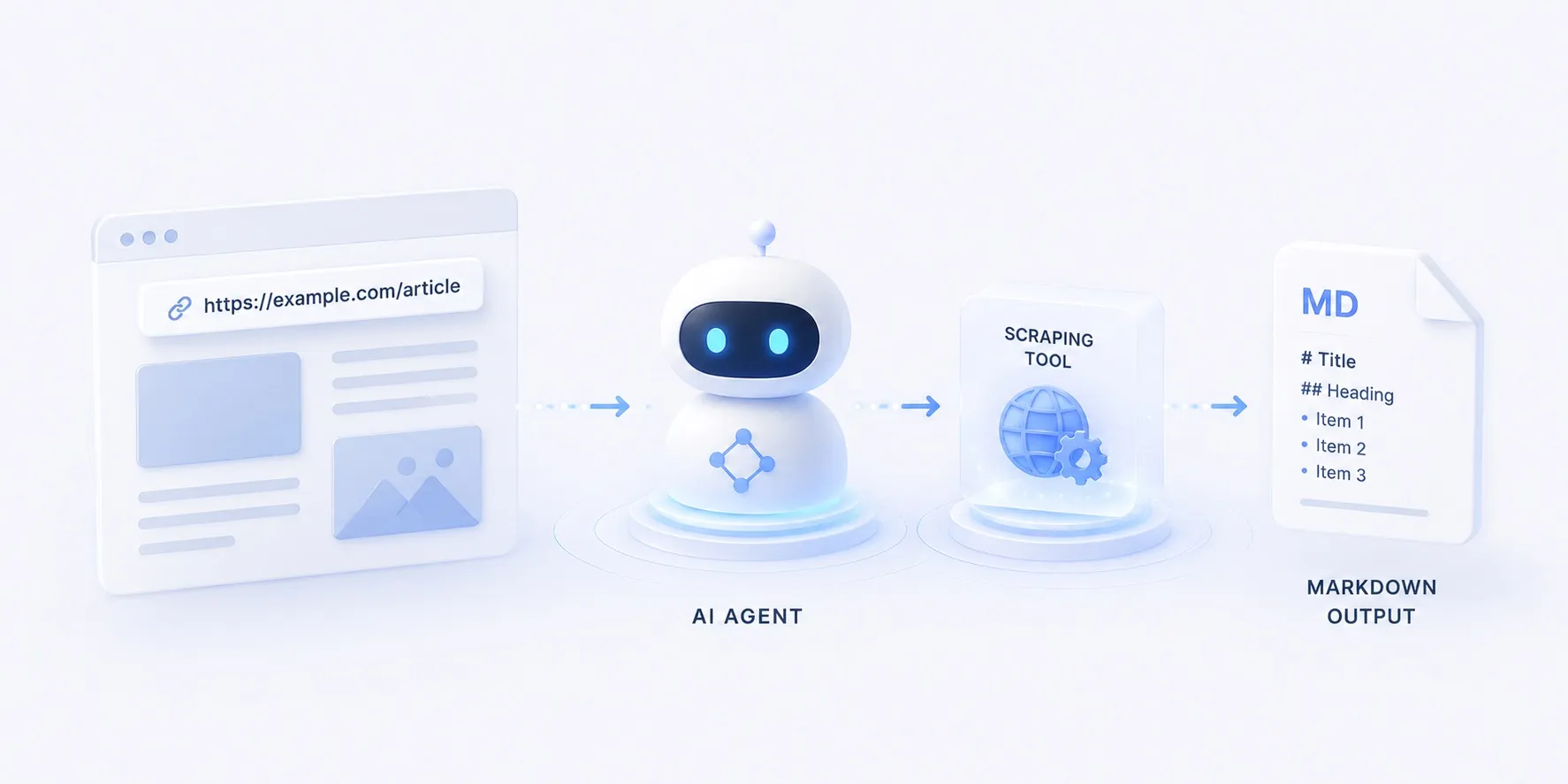
Scraping & crawling
Pulls a whole page or site and converts it into a format the model can read directly (Markdown and the like). If search finds where to look, scraping reads that page in.
Example. A docs page as Markdown
Turns a found page’s content into something the model can read.
- Extracting the body of a found page
- Collecting JS-rendered dynamic pages
- Crawling a whole site to document it
flowchart LR
  url["URL · site"] --> scrape["scraping · crawling tool"]
  scrape --> md[("Markdown · structured data")]
  md --> model["model"]
  class scrape roleTool
  class md roleSource
  class model roleModel
Browser automation
Operates a screen with no API by clicking, typing, and navigating like a person. It handles work search and scraping can’t reach — pages behind a login, form submissions.
Example. Submitting a form behind a login
Looks at the screen, decides the next action, and drives an API-less web app.
- Acting in a web app with no API
- Flows that need login or a session
- Deciding the next action from the screen
flowchart LR
  goal["goal — submit a form"] --> model["model"]
  model -- next action --> browser["browser automation"]
  browser -- screen · DOM --> model
  browser --> done["done"]
  class model roleModel
  class browser roleTool


App & API integration
Exposes external apps — mail, calendar, SaaS — as tools through a layer that handles auth and calls for you. Instead of wiring up OAuth and APIs for hundreds of apps by hand, an integration layer offers them as a standardized set of tools.
Example. Adding a calendar event
Calls many apps as tools from behind one integration layer.
- Sending and reading mail
- Operating a calendar, CRM, or issue tracker
- Delegating OAuth authentication
flowchart LR
  model["model"] -- tool call --> hub["integration layer"]
  hub --> a["Gmail"]
  hub --> b["Calendar"]
  hub --> c["Slack"]
  hub -. auth .- auth[("OAuth")]
  class model roleModel
  class hub roleTool
  class auth roleSource
Code execution
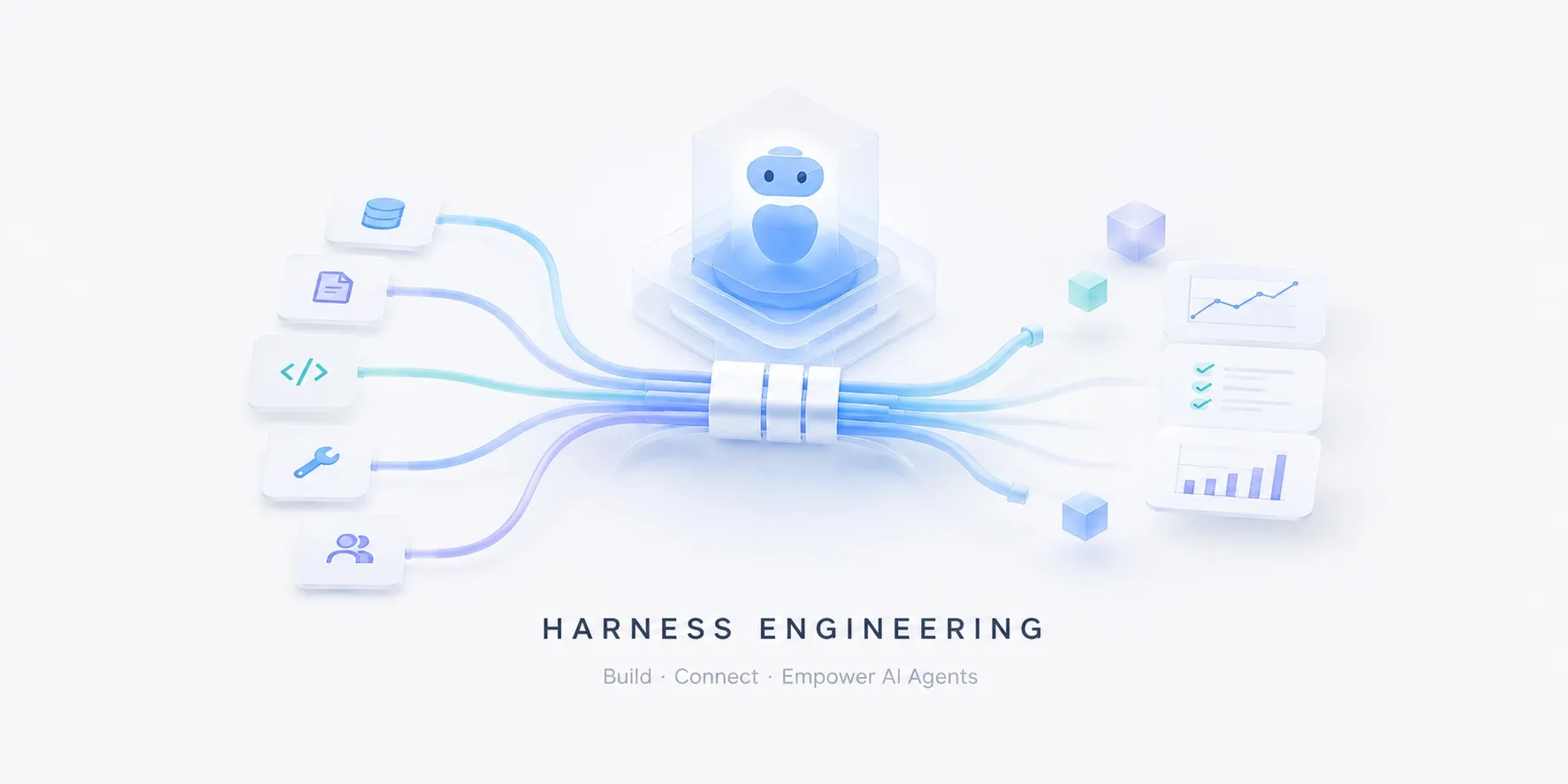
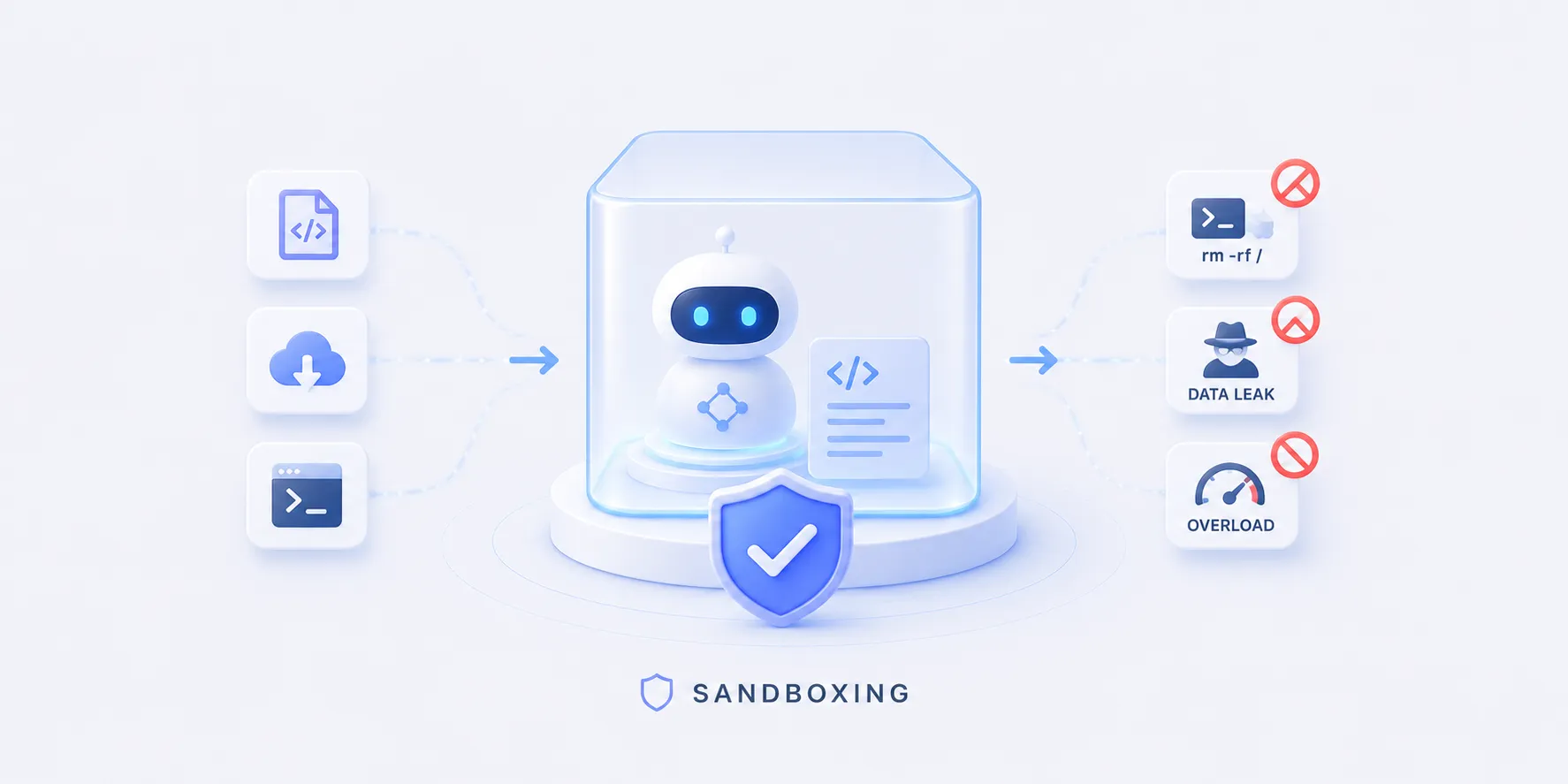
Runs model-written code in an isolated environment for exact computation, data processing, and verification. This isolated run is the same tool as the code sandbox role in harness engineering — it contains side effects while also confirming the code actually works.
Example. Computing with code
Runs the model’s code in a sandbox and takes back the result.
- Exact numeric computation and data transforms
- Verifying that model-written code runs
- Generating charts or files
flowchart LR
  model["model"] -- code --> sandbox["code execution — sandbox"]
  sandbox --> out[("result · error")]
  out --> model
  class model roleModel
  class sandbox roleTool
  class out roleSource
How tool calling works
To call a tool reliably, the model has to be told what it can call and in what shape.
- Schema — each tool’s name, description, and input shape are handed to the model, which reads the spec to judge which tool fits.
- Filling arguments — the model picks a tool and generates the input arguments as JSON; a malformed shape is caught by validation and retried.
- Using the result — the call’s result feeds back into reasoning to decide the next action — sometimes one call, sometimes several tools chained.
Passing tool specs over a standard protocol is taking hold too. MCP (Model Context Protocol) is one example, standardizing how tools and data sources attach to a model.
Principles to keep in mind
- Start with few tools — the more tools there are, the more room a model has to pick wrong, so expose only what’s needed.
- The schema is the manual — a tool’s name and description are the model’s instructions; vague ones invite misuse.
- Don’t trust the result, verify it — tool output is just as much a target for guardrails and evaluation.
- Isolate side effects — run write and exec tools in a code sandbox to keep an accident contained.