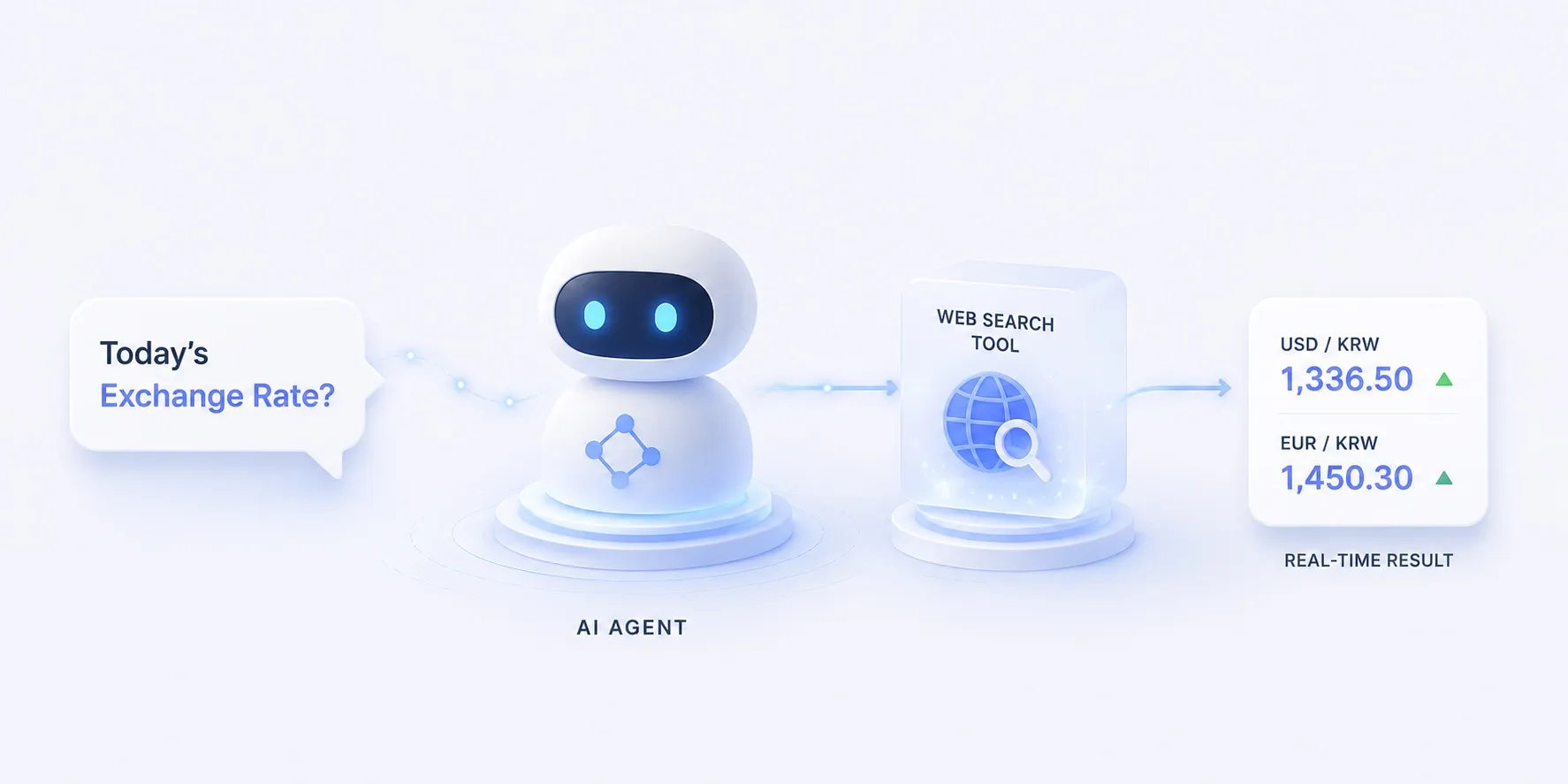
도구 개념에서 “오늘의 환율 묻기”를 예로 들었습니다.
모델의 지식은 학습 시점에 멈춰 있어 환율처럼 매일 바뀌는 값은 알 수 없고, 그 빈틈을 메우는 게 웹 검색 도구입니다.
이 글에서는 그 예시를 실제로 돌아가는 에이전트로 만들어 봅니다.
무엇을 만드나
질문을 받으면 모델이 스스로 “이건 검색해야겠다”고 판단해 Tavily로 웹을 검색하고, 최신 결과를 읽어 환율과 출처를 함께 답하는 에이전트입니다.
flowchart LR
  q["질문 — 오늘 USD/KRW 환율?"] --> model["모델"]
  model -- 검색어 --> tool["web_search · Tavily"]
  tool --> data[("검색 결과 · 출처")]
  data --> model
  model --> ans["답변 + 출처"]
  class model roleModel
  class tool roleTool
  class data roleSource
도구가 없으면 모델은 낡은 값을 추측할 뿐이지만, 도구 하나로 답이 오늘의 웹에 근거하게 됩니다.
코드 뜯어보기
전체 구조
app.py의 전체 흐름은 함수 셋으로 나뉩니다.
main()이 모델과 에이전트를 짜고,- 모델이 부르는 도구가
web_search(), - 그리고 마지막 답을 다듬는 게
message_text()입니다.
flowchart TB
  q["질문 (sys.argv)"] --> build["main() — 모델·에이전트 구성"]
  build --> react{"ReAct 루프"}
  react -- 추론 --> model["모델 (ChatLiteLLM)"]
  model -- 도구 호출 --> tool["web_search(query)"]
  tool --> tavily[("Tavily.search")]
  tavily -- answer · results --> tool
  tool -- 관찰 --> react
  react -- 종료 --> msg["message_text(content)"]
  msg --> out["print → stdout"]
  class model roleModel
  class tool roleTool
  class tavily roleSource
세부 구조
web_search(query) — 도구
@tool데코레이터 하나로 평범한 파이썬 함수가 모델이 부를 수 있는 도구가 됨- docstring이 그대로 모델용 설명서 — 모델은 이걸 보고 언제 부를지 판단
- 내부에서
_tavily.search(query, include_answer=True, max_results=5)로 Tavily 호출 - 돌려받은
answer와results를 한 덩이의 텍스트로 합쳐 반환 — 다음 추론의 입력
@tool
def web_search(query: str) -> str:
    """Search the web for current information, returning a short answer with sources.

    Use this for anything past the model's training cutoff — prices, exchange
    rates, news, today's facts.
    """
    res = _tavily.search(query, search_depth="basic", include_answer=True, max_results=5)
    lines = []
    if res.get("answer"):
        lines.append(res["answer"])
    for r in res.get("results", []):
        lines.append(f"- {r['title']} ({r['url']})")
    return "\n".join(lines) or "No results."
message_text(content) — 출력 다듬기
- 모델 응답의
content는 모양이 제각각 — 클라우드는 문자열, 일부 로컬 모델은[{type: "text", …}, …]블록 리스트 - 리스트면
type == "text"블록의 텍스트만 이어붙임 - 문자열이면 그대로 둠
- 그래서 어느 제공자든 깔끔한 한 줄로 출력
def message_text(content) -> str:
    """Flatten an assistant message's content to plain text (cloud models return a
    string; some local models return a list of blocks)."""
    if isinstance(content, list):
        return "".join(
            part.get("text", "")
            for part in content
            if isinstance(part, dict) and part.get("type") == "text"
        )
    return content
main() — 조립
MODEL로ChatLiteLLM을 만들고create_agent(model, tools=[web_search])로 ReAct 루프 구성ChatLiteLLM은 LiteLLM을 LangChain 모델로 감싼 어댑터 — 라우팅(어느 API를 부를지)은 LiteLLM,create_agent용 인터페이스 연결은ChatLiteLLMagent.invoke({"messages": […]})가 추론→도구 호출→관찰을 돌림- 끝나면 마지막 메시지의
content를message_text()로 다듬어 출력 - 도구를 부를지·한 번 더 부를지는 전부 루프가 결정
def main() -> None:
    question = " ".join(sys.argv[1:]) or "오늘 USD/KRW 환율은?"

    # MODEL chooses the provider (claude-opus-4-8 / gpt-4o / gemini/gemini-2.5-flash).
    model = ChatLiteLLM(model=os.environ.get("MODEL", "claude-opus-4-8"), temperature=0)
    agent = create_agent(model, tools=[web_search])

    result = agent.invoke({"messages": [{"role": "user", "content": question}]})
    print(message_text(result["messages"][-1].content))
임포트는 langchain이지만 create_agent가 돌려주는 것은 LangGraph 그래프입니다.
이 접착 계층 없이 LiteLLM + LangGraph만으로 직접 구성하면 어떻게 되는지는 별도 비교 글에서 다룹니다.
구현
LangGraph의 ReAct 루프에 web_search 도구 하나만 붙였습니다.
모델은 LiteLLM을 통해 라우팅되므로 같은 코드가 Claude·OpenAI·Gemini에서 모두 동작합니다.
관련 샘플Tavily 웹 검색 에이전트 — 오늘의 환율 묻기Tavily 기반 websearch 도구 하나를 가진 약 40줄짜리 LangGraph ReAct 에이전트입니다. "오늘 USD/KRW 환율?"처럼 지금의 데이터라야 답할 수 있는 질문을 던지면, 웹을 검색해 최신 결과를 읽고 값과 출처를 함께 답합니다. 모델은 LiteLLM을 통해 라우팅되므로 같은 코드가 Anthropic Claude, OpenAI, Google AI Studio (Gemini) 에서 모두 동작합니다. 코드는 그대로 두고 .env의 MODEL만 바꾸면 됩니다.
samples/tavily_12026년 6월 28일핵심만 짚으면
- 도구는 함수다 —
@tool로 감싼web_search(query)하나가 전부입니다. docstring이 곧 모델용 설명서라, 모델은 이걸 보고 “언제 검색할지”를 판단합니다. - 루프가 호출을 엮는다 —
create_agent(model, tools=[web_search])가 추론→도구 호출→관찰을 돌리며, 도구를 부를지·결과를 받고 한 번 더 부를지를 정합니다. - 결과는 근거가 된다 — Tavily가 돌려준 답과 출처가 추론에 들어가, 환각 대신 조회한 값으로 답합니다.
- 제공자는 갈아끼운다 —
.env의MODEL만 바꾸면 같은 코드로 다른 모델을 씁니다.
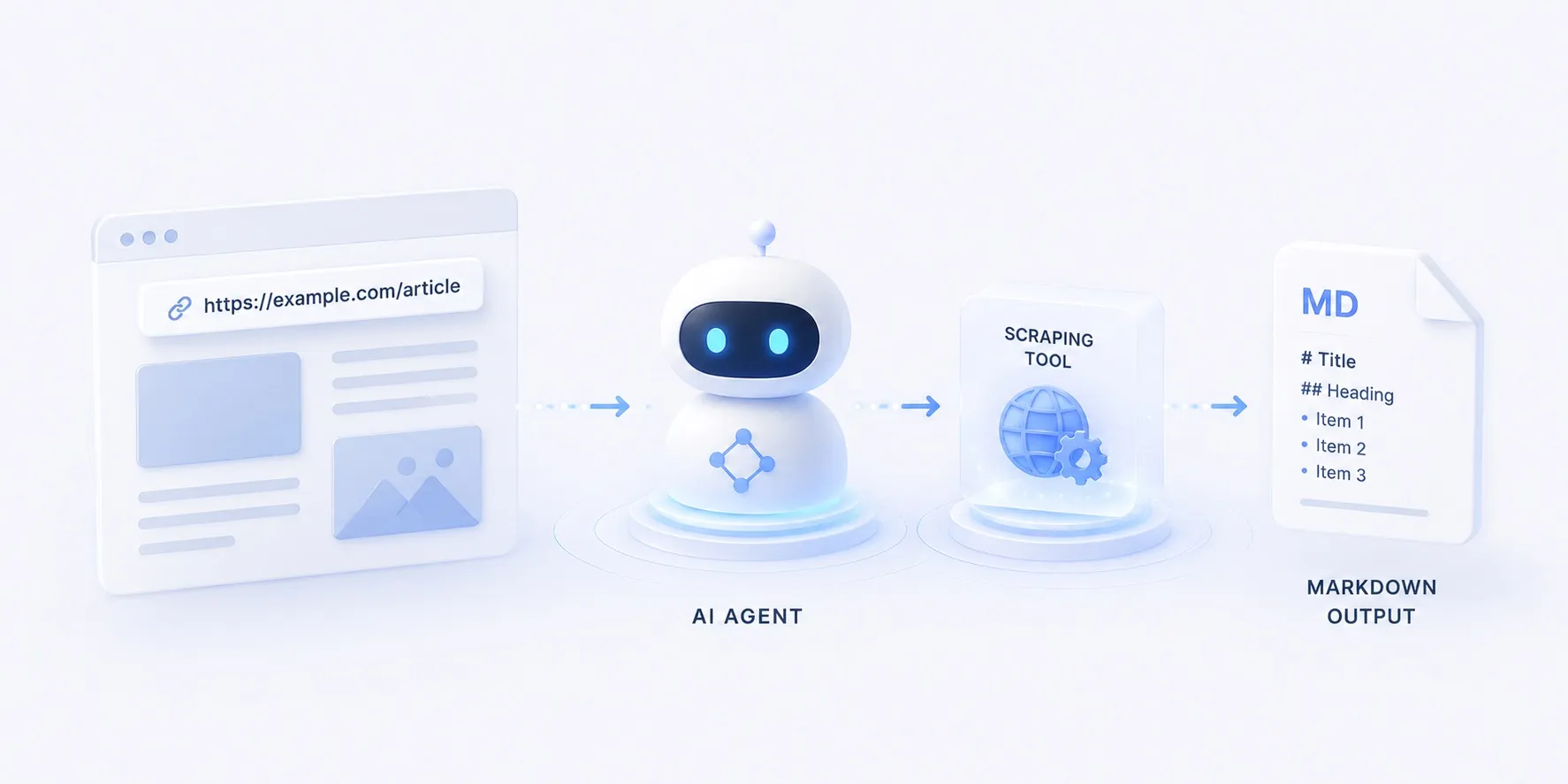
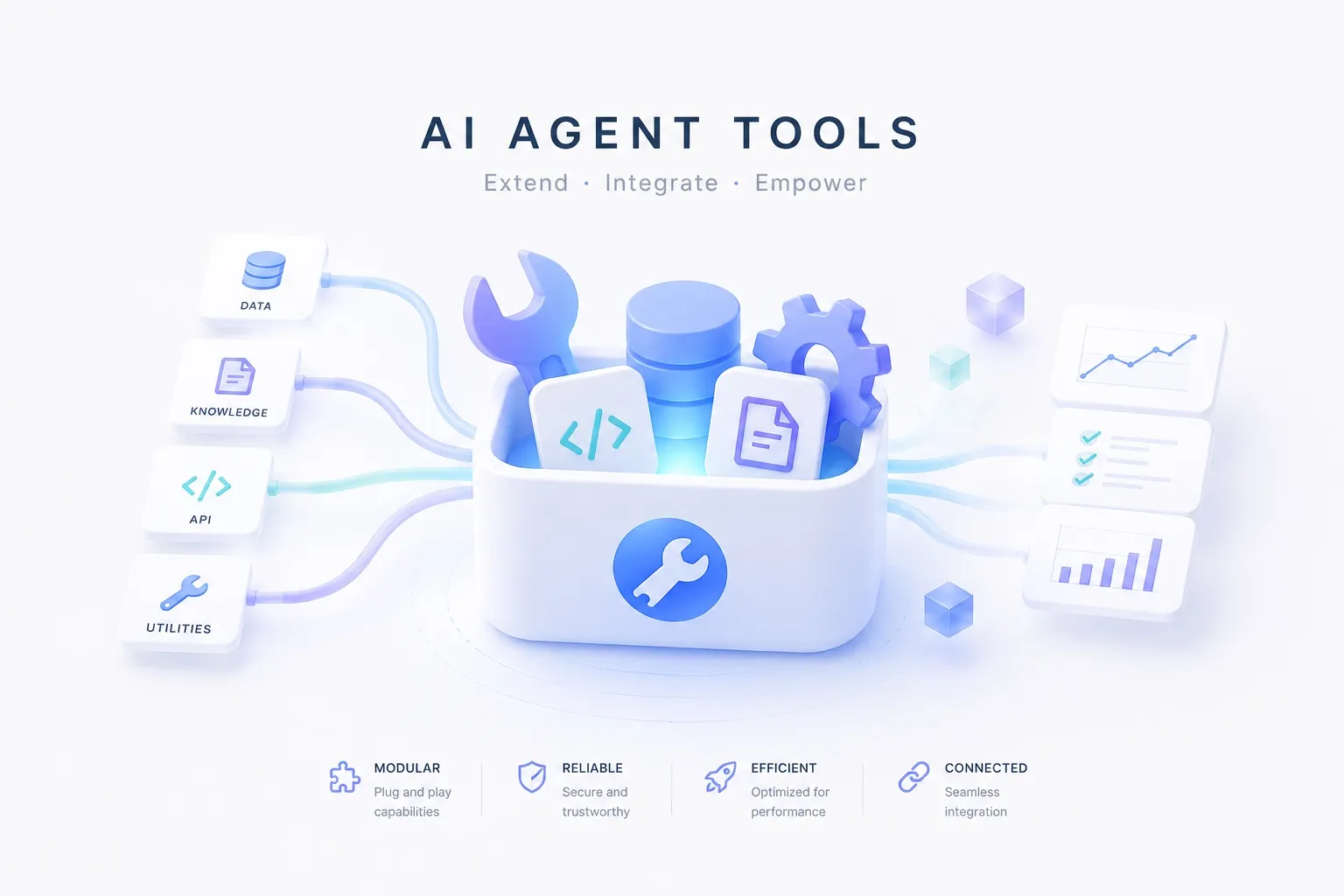
같은 루프에서 도구만 스크래핑(Firecrawl)으로 바꾸면 문서를 마크다운으로 읽어 오고, 브라우저 자동화로 바꾸면 또 다른 “지금” 데이터를 끌어올 수 있습니다. 도구의 갈래는 도구 개념에 정리해 두었습니다.