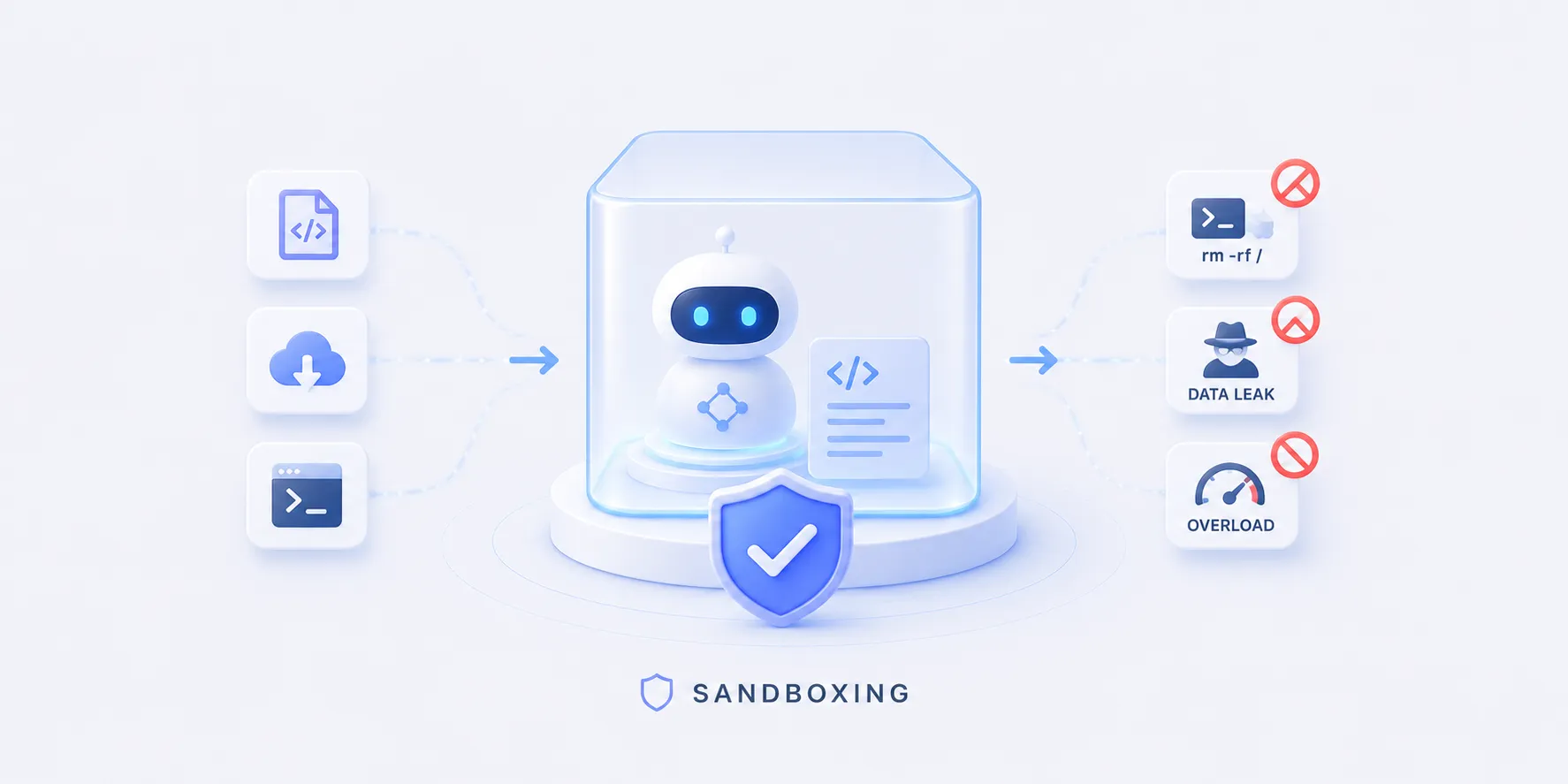
샌드박싱 개념에서, 모델이 짠 코드는 신뢰 경계 바깥이라 일회용·격리 환경에서 돌려야 한다고 했습니다.
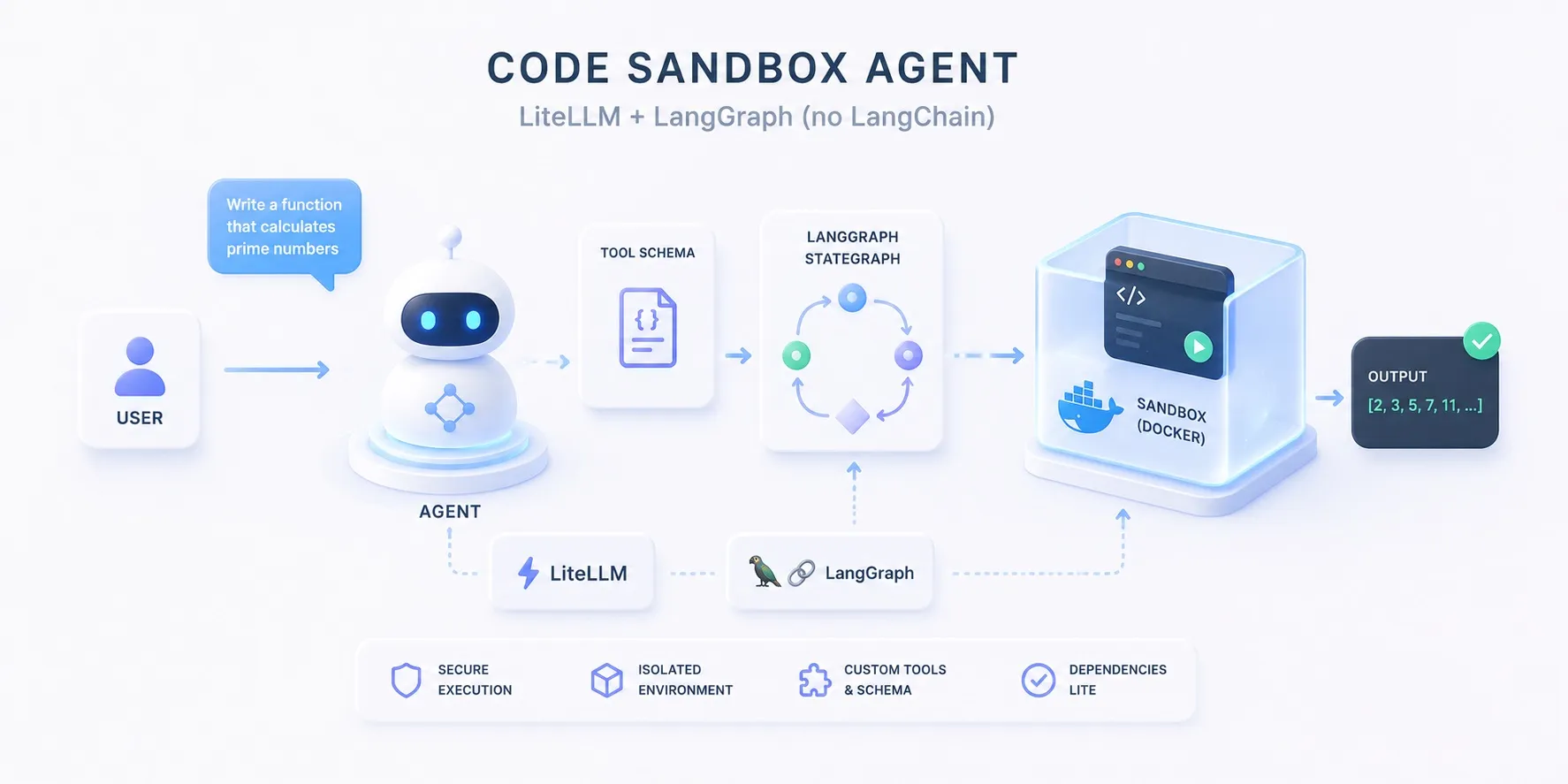
이 글에서는 그 코드 실행 역할을 실제로 돌아가는 에이전트로 만들어 봅니다.
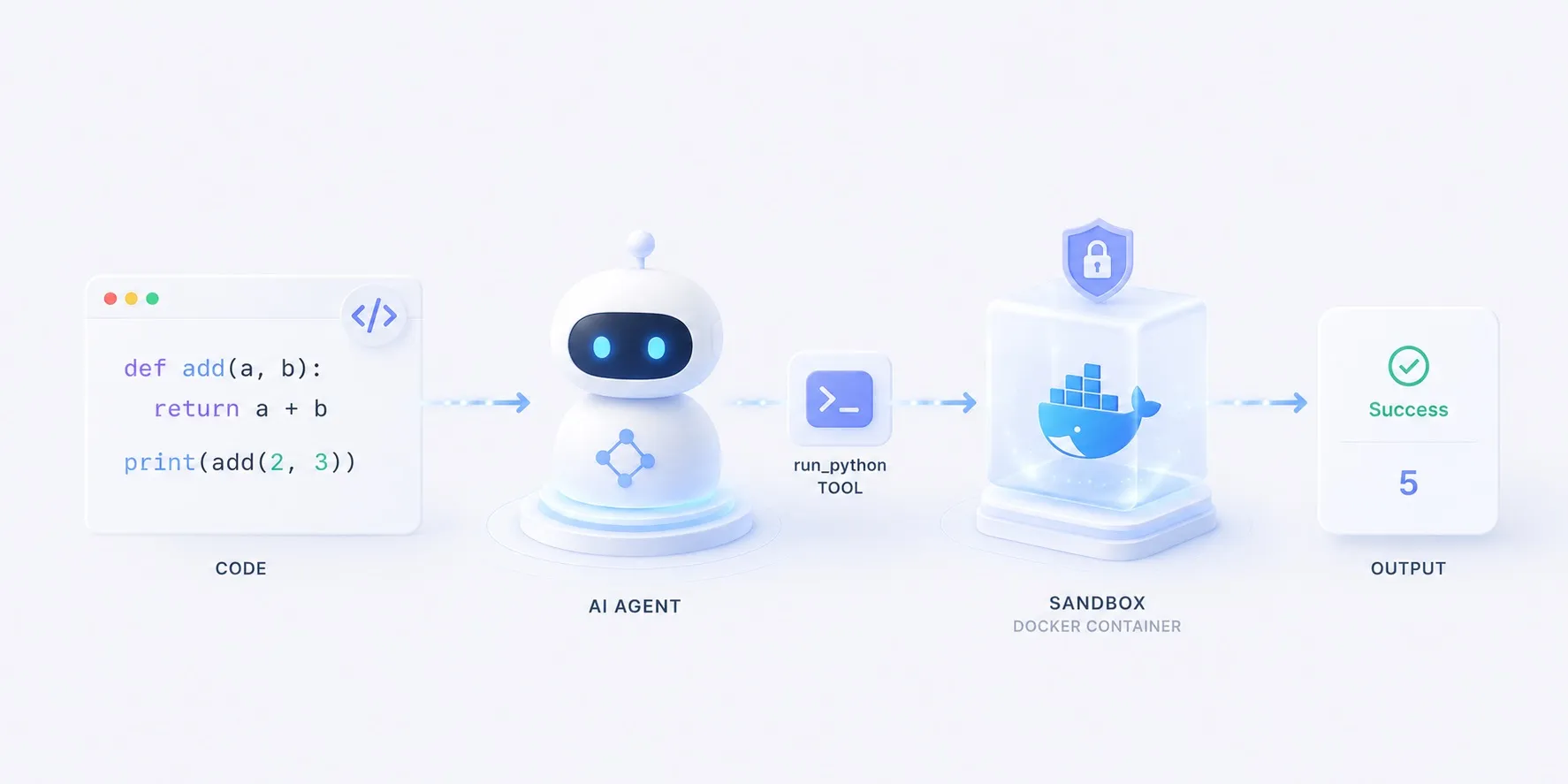
도구가 코드를 exec 하지 않고, 매번 새 Docker 컨테이너에 흘려보냅니다.
무엇을 만드나
- 계산이 필요한 작업을 받으면 모델이 파이썬을 짜고,
run_python도구가 그 코드를 격리된 Docker 컨테이너에서 돌려 결과를 돌려주면,- 모델이 그걸 읽고 답하는 에이전트입니다.
flowchart LR
  q["작업 — 30번째 피보나치 수?"] --> model["모델"]
  model -- 코드 --> tool["run_python"]
  tool --> box["docker run — 격리 컨테이너"]
  box --> out[("결과 · 오류")]
  out --> model
  model --> ans["답변"]
  class model roleModel
  class tool roleTool
  class out roleSource
코드는 호스트에서 절대 돌지 않습니다.
--network none으로 네트워크를 끊고,--memory·--cpus·--pids-limit로 메모리·CPU·프로세스 수에 상한을 두고,--rm으로 끝나면 컨테이너를 버립니다.
코드 뜯어보기
전체 구조
app.py의 흐름은 함수 셋으로 나뉩니다.
main()이 모델과 에이전트를 짜고,- 모델이 부르는 도구가
run_python(), - 마지막 답을 다듬는 게
message_text()입니다.
flowchart TB
  q["작업 (sys.argv)"] --> build["main() — 모델·에이전트 구성"]
  build --> react{"ReAct 루프"}
  react -- 추론 --> model["모델 (ChatLiteLLM)"]
  model -- 도구 호출 --> tool["run_python(code)"]
  tool --> dock[("docker run · python:3.12-slim")]
  dock -- stdout/stderr --> tool
  tool -- 관찰 --> react
  react -- 종료 --> msg["message_text(content)"]
  msg --> out["print → stdout"]
  class model roleModel
  class tool roleTool
  class dock roleSource
세부 구조
run_python(code) — 도구
flowchart TB
  q["작업 (sys.argv)"] --> build["main() — 모델·에이전트 구성"]
  build --> react{"ReAct 루프"}
  react -- 추론 --> model["모델 (ChatLiteLLM)"]
  model -- 도구 호출 --> tool["run_python(code)"]
  tool --> dock[("docker run · python:3.12-slim")]
  dock -- stdout/stderr --> tool
  tool -- 관찰 --> react
  react -- 종료 --> msg["message_text(content)"]
  msg --> out["print → stdout"]
  class model roleModel
  class tool roleFocus
class dock roleSource@tool로 감싼 함수 하나- 모델은 docstring을 보고 언제 코드로 풀지 판단
- 코드를 프로세스 안에서 실행하지 않고,
subprocess로docker run에 흘려보냄python -로 표준입력의 프로그램을 받음
- 격리는 플래그가 함
--network none(네트워크 차단),--memory·--cpus·--pids-limit(자원 상한),--user 65534(비-root),--rm(일회용)
timeout=30으로 폭주 코드를 끊고, 출력은 앞부분 4,000자로 자름
@tool
def run_python(code: str) -> str:
    """Run a snippet of Python and return its stdout/stderr. …"""
    proc = subprocess.run(
        [
            "docker", "run", "--rm", "-i",
            "--network", "none",      # no network: nothing leaves the box
            "--memory", "256m",       # memory cap
            "--cpus", "1",            # cpu cap
            "--pids-limit", "128",    # process cap (fork-bomb guard)
            "--user", "65534:65534",  # run as nobody, not root
            SANDBOX_IMAGE,
            "python", "-",            # read the program from stdin
        ],
        input=code,
        capture_output=True,
        text=True,
        timeout=30,                   # wall-clock guard
    )
    out = (proc.stdout or "") + (proc.stderr or "")
    return out.strip()[:4000] or "(no output)"
발췌 — 오류 처리는 생략했습니다. 전체 코드는 구현 섹션에 있습니다.
message_text(content) — 출력 다듬기
flowchart TB
  q["작업 (sys.argv)"] --> build["main() — 모델·에이전트 구성"]
  build --> react{"ReAct 루프"}
  react -- 추론 --> model["모델 (ChatLiteLLM)"]
  model -- 도구 호출 --> tool["run_python(code)"]
  tool --> dock[("docker run · python:3.12-slim")]
  dock -- stdout/stderr --> tool
  tool -- 관찰 --> react
  react -- 종료 --> msg["message_text(content)"]
  msg --> out["print → stdout"]
  class model roleModel
  class tool roleTool
  class dock roleSource
class msg roleFocus- 모델 응답의
content는 모양이 제각각- 클라우드는 문자열, 일부 로컬 모델은 블록 리스트
- 리스트면
type == "text"블록만 이어붙이고, 문자열이면 그대로 둠
def message_text(content) -> str:
    """Flatten an assistant message's content to plain text."""
    if isinstance(content, list):
        return "".join(
            part.get("text", "")
            for part in content
            if isinstance(part, dict) and part.get("type") == "text"
        )
    return content
main() — 조립
flowchart TB
  q["작업 (sys.argv)"] --> build["main() — 모델·에이전트 구성"]
  build --> react{"ReAct 루프"}
  react -- 추론 --> model["모델 (ChatLiteLLM)"]
  model -- 도구 호출 --> tool["run_python(code)"]
  tool --> dock[("docker run · python:3.12-slim")]
  dock -- stdout/stderr --> tool
  tool -- 관찰 --> react
  react -- 종료 --> msg["message_text(content)"]
  msg --> out["print → stdout"]
  class model roleModel
  class tool roleTool
  class dock roleSource
class build roleFocusMODEL로ChatLiteLLM을 만들고create_agent(model, tools=[run_python])로 ReAct 루프 구성agent.invoke({"messages": […]})가 추론→도구 호출→관찰을 돌림- 끝나면 마지막 메시지를
message_text()로 다듬어 출력
def main() -> None:
    question = " ".join(sys.argv[1:]) or "What is the 30th Fibonacci number? Use code."

    # MODEL chooses the provider (claude-opus-4-8 / gpt-4o / gemini/gemini-2.5-flash).
    model = ChatLiteLLM(model=os.environ.get("MODEL", "claude-opus-4-8"), temperature=0)
    agent = create_agent(model, tools=[run_python])

    result = agent.invoke({"messages": [{"role": "user", "content": question}]})
    final = result["messages"][-1]
    answer = (message_text(final.content) or "").strip()
    print(answer or f"[no text in the final message] {final!r}")
임포트는 langchain이지만 create_agent가 돌려주는 것은 LangGraph 그래프입니다.
이 접착 계층이 왜 있는지, LangChain 없이 LiteLLM + LangGraph만으로 같은 루프를 직접 구성하면 어떻게 되는지는 별도 비교 글에서 다룹니다.
구현
LangGraph의 ReAct 루프에 run_python 도구 하나만 붙였습니다.
도구의 본체는 사실상 docker run 한 줄이고, 안전성은 거기 붙은 플래그에서 나옵니다.
관련 샘플코드 샌드박스 에이전트 — 모델이 짠 코드를 Docker에서 실행약 50줄짜리 LangGraph ReAct 에이전트로, runpython 도구 하나를 답니다. 실제 계산이 필요한 일 — "30번째 피보나치 수는?" — 을 주면 모델이 파이썬을 작성하고, 도구가 그 코드를 일회용 Docker 컨테이너 안에서 실행하며(네트워크 없음·CPU/메모리 제한·자동 삭제), 에이전트는 그 출력을 읽고 답합니다. 코드는 호스트에서 절대 돌지 않습니다. 모델은 LiteLLM으로 라우팅되므로 같은 코드가 Anthropic Claude·OpenAI·Google AI Studio(Gemini)에서 그대로 동작합니다 — 코드가 아니라 .env의 MODEL만 바꾸면 됩니다.
samples/docker_12026년 6월 28일핵심만 짚으면
- 도구가 곧 격리 경계다
run_python은 코드를exec하지 않고 새 컨테이너에 흘려보내,- 사고가 나도 호스트가 아니라 일회용 박스에서 끝납니다.
- 격리는 플래그에 있다
- 네트워크 차단·자원 상한·비-root·일회용이 모여 폭발 반경을 줄입니다.
- 자체 호스팅이면 Docker, 관리형이면 E2B·Modal
- 같은 역할을 직접 운영하거나(Docker) API 한 줄로 위임합니다.
- 제공자는 갈아끼운다
.env의MODEL만 바꾸면 같은 코드로 다른 모델을 씁니다.
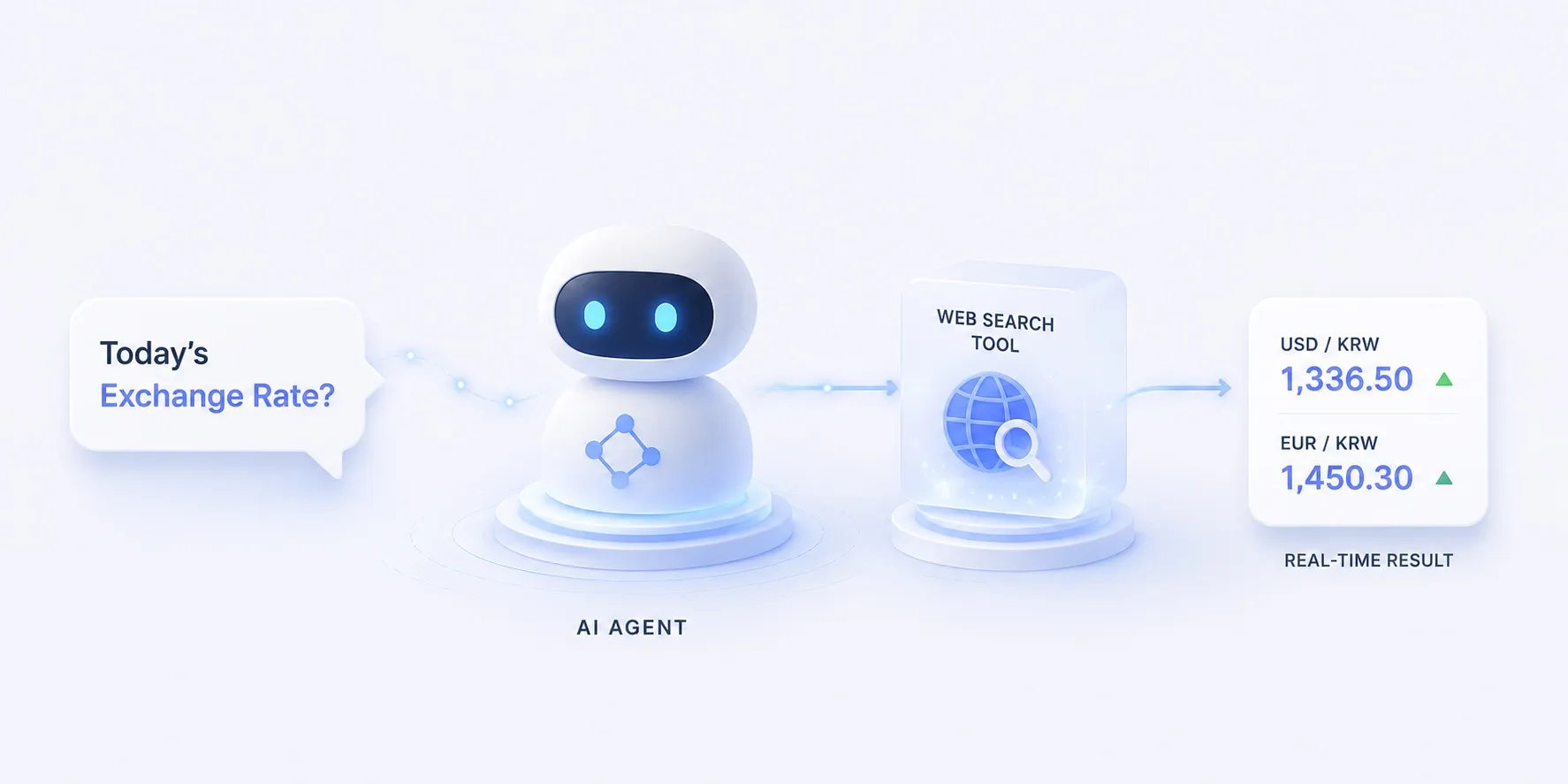
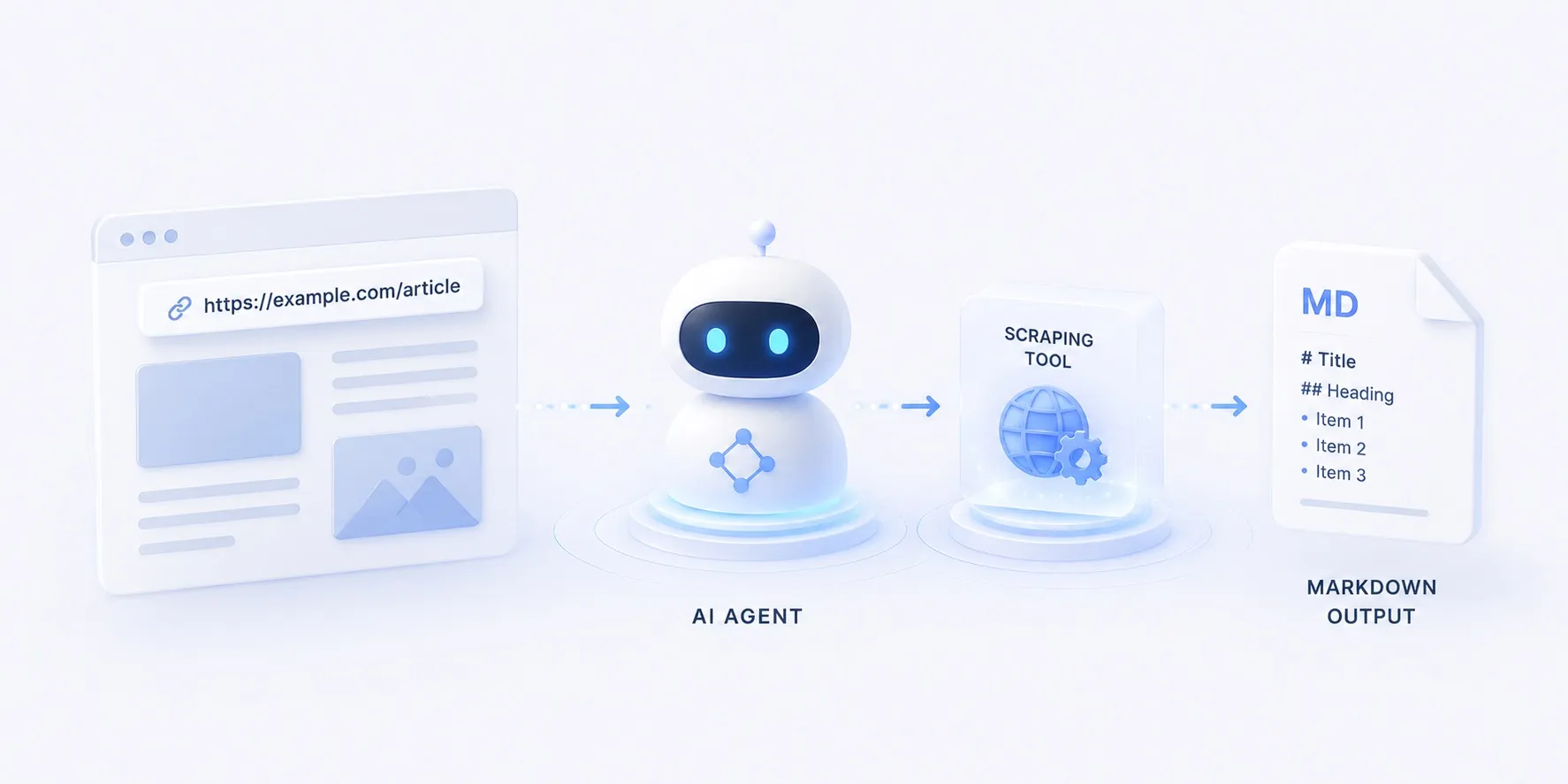
도구만 검색으로 바꾸면 오늘의 환율 묻기, 스크래핑으로 바꾸면 문서를 마크다운으로가 됩니다.
같은 에이전트를 LangChain 없이 LiteLLM + LangGraph만으로 구성한 버전은 직접 구성 편에 있습니다.
격리를 왜·어떻게 하는지는 샌드박싱 개념에 정리해 두었습니다.