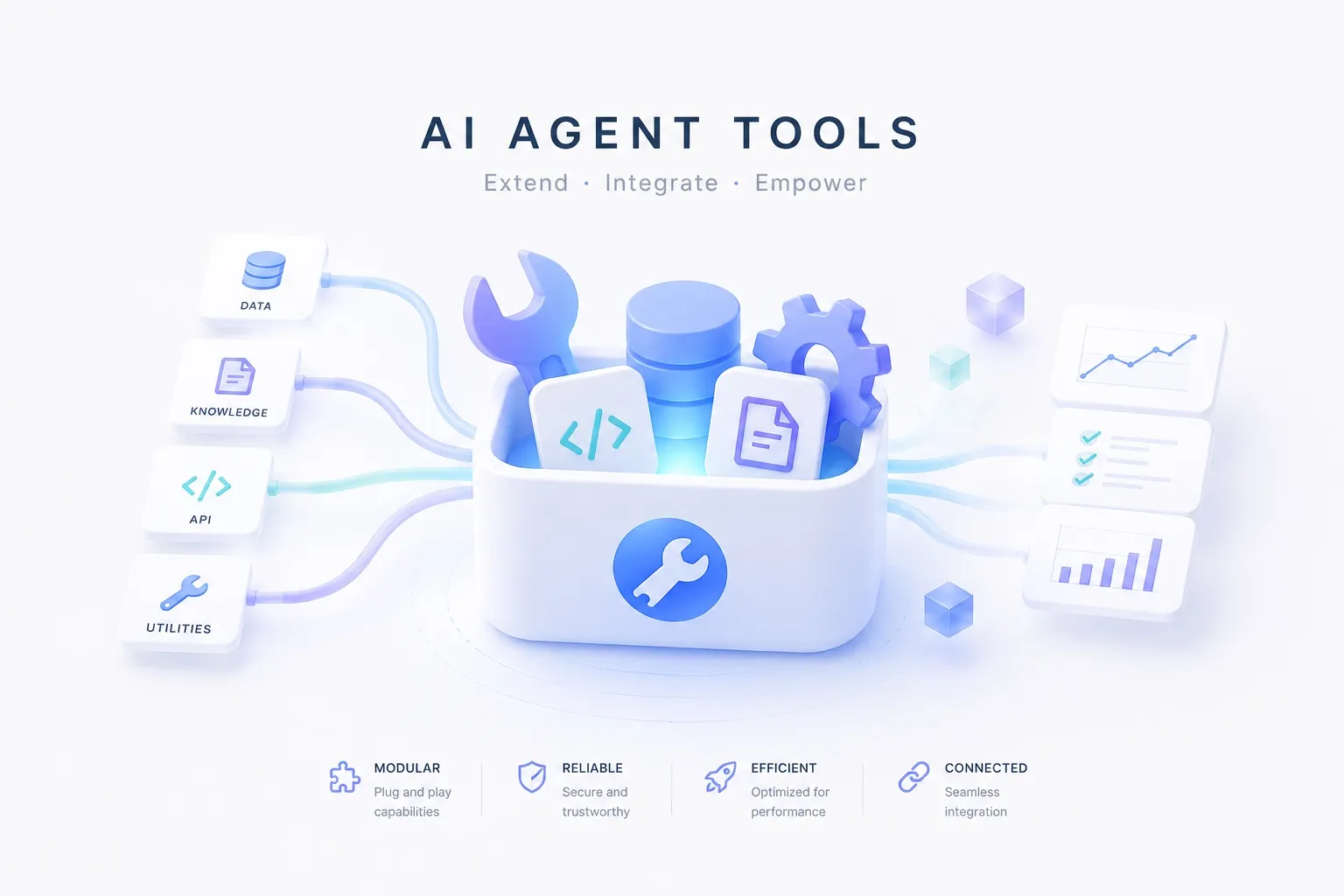
The Tools concept’s scraping & crawling uses “a docs page to Markdown” as an example. If search finds where to look, scraping reads that whole page in. Here we turn that example into a working agent.
What we’re building
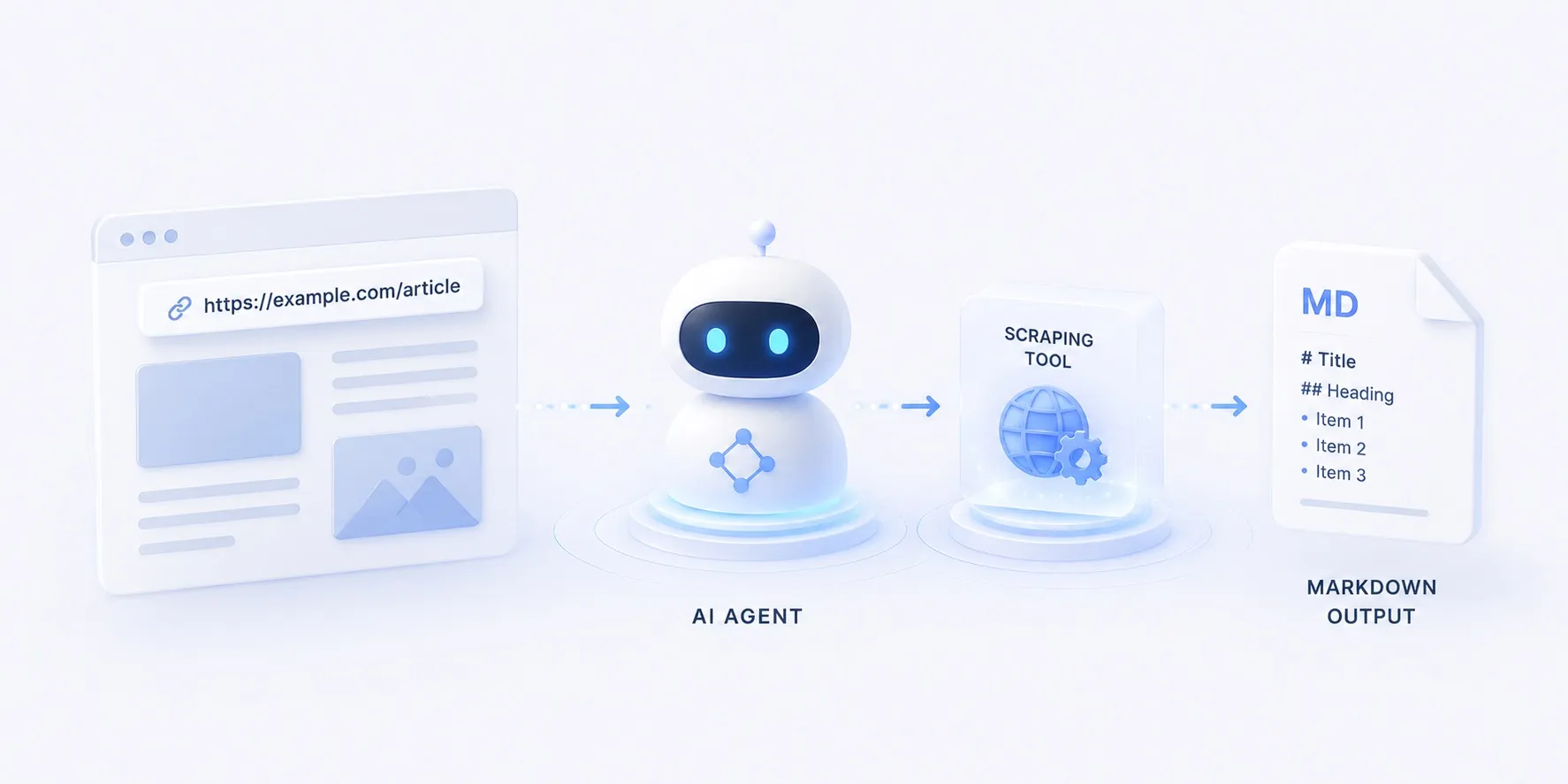
An agent that, given a task with a URL, fetches the page as Markdown through Firecrawl, reads it, and answers or summarizes.
flowchart LR
  q["task — read & summarize this page"] --> model["model"]
  model -- URL --> tool["scrape · Firecrawl"]
  tool --> md[("Markdown")]
  md --> model
  model --> ans["summary · answer"]
  class model roleModel
  class tool roleTool
  class md roleSource
Where search only points at a source, scraping lays the page’s actual body out in front of the model.
Reading the code
The overall structure
The whole flow in app.py splits into three functions — main() wires the model and the agent, scrape() is the tool the model calls, and message_text() cleans up the final answer.
flowchart TB
  q["task (sys.argv)"] --> build["main() — build model + agent"]
  build --> react{"ReAct loop"}
  react -- reason --> model["model (ChatLiteLLM)"]
  model -- tool call --> tool["scrape(url)"]
  tool --> fc[("Firecrawl.scrape_url")]
  fc -- markdown --> tool
  tool -- observe --> react
  react -- done --> msg["message_text(content)"]
  msg --> out["print → stdout"]
  class model roleModel
  class tool roleTool
  class fc roleSource
The detailed structure
scrape(url) — the tool
- One
@tool-wrapped function — the model reads its docstring to decide when to read a page - Calls Firecrawl with
_firecrawl.scrape_url(url, formats=["markdown"]) - Pulls
markdownwhether the SDK returns an object or a dict (absorbs version drift) - Caps the result at the first 6,000 chars so a long page doesn’t blow up the prompt
@tool
def scrape(url: str) -> str:
    """Fetch a web page and return its content as clean Markdown.

    Use this to read what's actually behind a URL — docs, articles, anything the
    model can't see on its own. Pass a single absolute URL.
    """
    res = _firecrawl.scrape_url(url, formats=["markdown"])
    md = getattr(res, "markdown", None)
    if md is None and isinstance(res, dict):  # older SDKs return a dict
        md = res.get("markdown") or res.get("data", {}).get("markdown")
    # Cap the length so a long page doesn't blow up the prompt.
    return (md or "")[:6000] or "No content."
message_text(content) — cleaning the output
- A reply’s
contentisn’t uniformly shaped — cloud models return a string, some local models a list of blocks like[{type: "text", …}, …] - For a list, it keeps only the text of
type == "text"blocks - For a string, it passes straight through
- So any provider prints as one clean line
def message_text(content) -> str:
    """Flatten an assistant message's content to plain text (cloud models return a
    string; some local models return a list of blocks)."""
    if isinstance(content, list):
        return "".join(
            part.get("text", "")
            for part in content
            if isinstance(part, dict) and part.get("type") == "text"
        )
    return content
main() — the wiring
- Builds
ChatLiteLLMfromMODELand assembles the ReAct loop withcreate_agent(model, tools=[scrape]) ChatLiteLLMwraps LiteLLM as a LangChain model — LiteLLM does provider routing,ChatLiteLLMis the interfacecreate_agentexpectsagent.invoke({"messages": […]})runs reason→call-tool→observe- When it finishes, the last message’s
contentis cleaned bymessage_text()and printed
def main() -> None:
    question = " ".join(sys.argv[1:]) or "https://docs.firecrawl.dev 를 읽고 핵심 기능 3가지만 요약해줘"

    # MODEL chooses the provider (claude-opus-4-8 / gpt-4o / gemini/gemini-2.5-flash).
    model = ChatLiteLLM(model=os.environ.get("MODEL", "claude-opus-4-8"), temperature=0)
    agent = create_agent(model, tools=[scrape])

    result = agent.invoke({"messages": [{"role": "user", "content": question}]})
    print(message_text(result["messages"][-1].content))
The import says langchain, but what create_agent returns is a LangGraph graph.
What the same loop looks like wired with just LiteLLM + LangGraph — no glue layer — is covered in a separate comparison.
The implementation
A LangGraph ReAct loop with a single scrape tool.
The model is routed through LiteLLM, so the same code runs on Claude, OpenAI, or Gemini.
samples/firecrawl_1June 28, 2026The key parts
- A tool is a function — one
@tool-wrappedscrape(url)is all it takes to read a page. - Search and scraping differ — search finds where to look; scraping reads that page in.
- The result becomes evidence — Firecrawl’s Markdown feeds back into reasoning, so the model answers from the page’s real contents, not a guess.
- The provider is swappable — change
MODELin.envto run the same code on a different model.
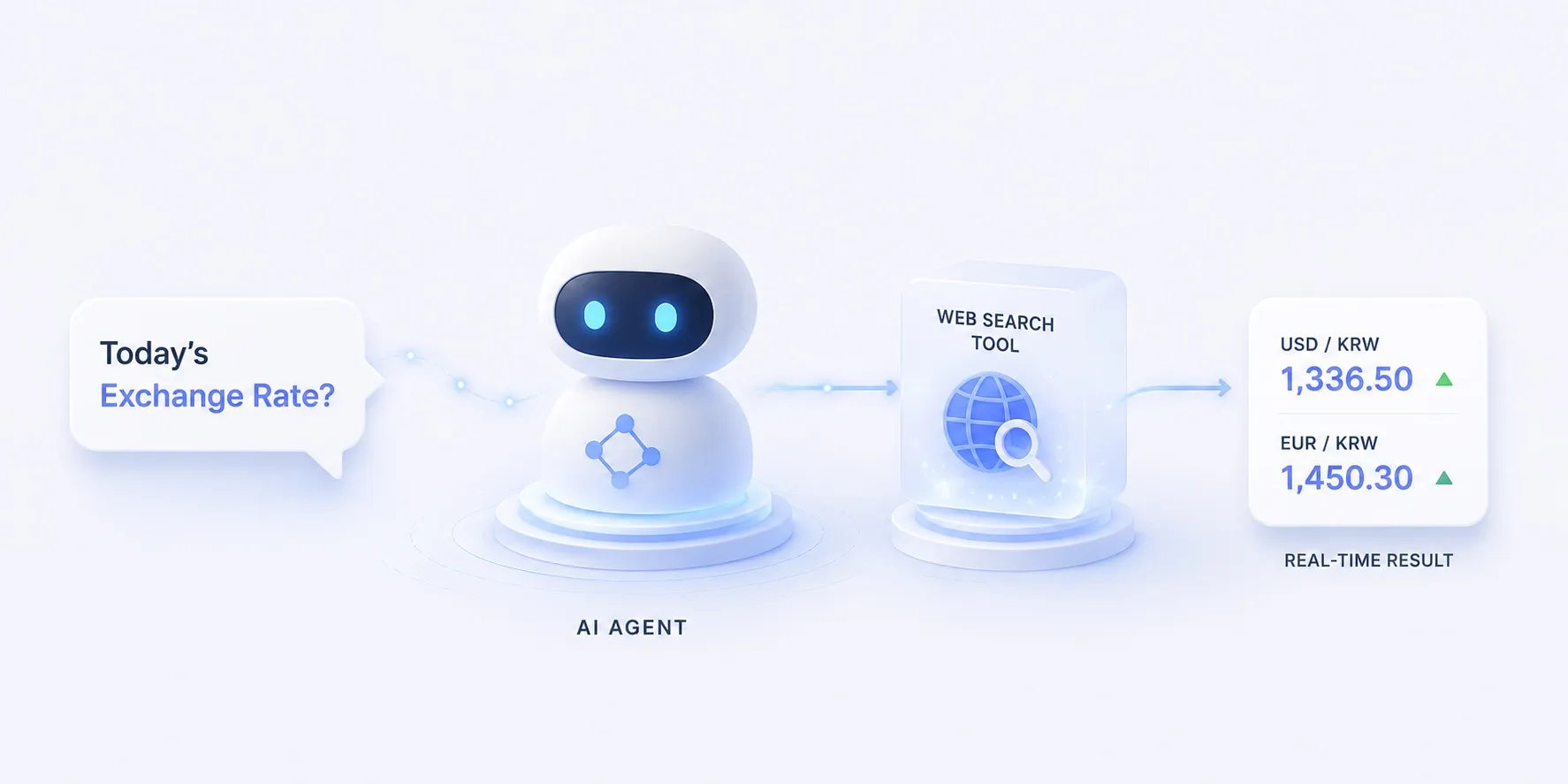
Swap the tool for search (Tavily) in the same loop and you get asking today’s FX rate; swap it for browser automation and you pull in a different kind of “now” data. The full set of tool kinds is in the Tools concept.