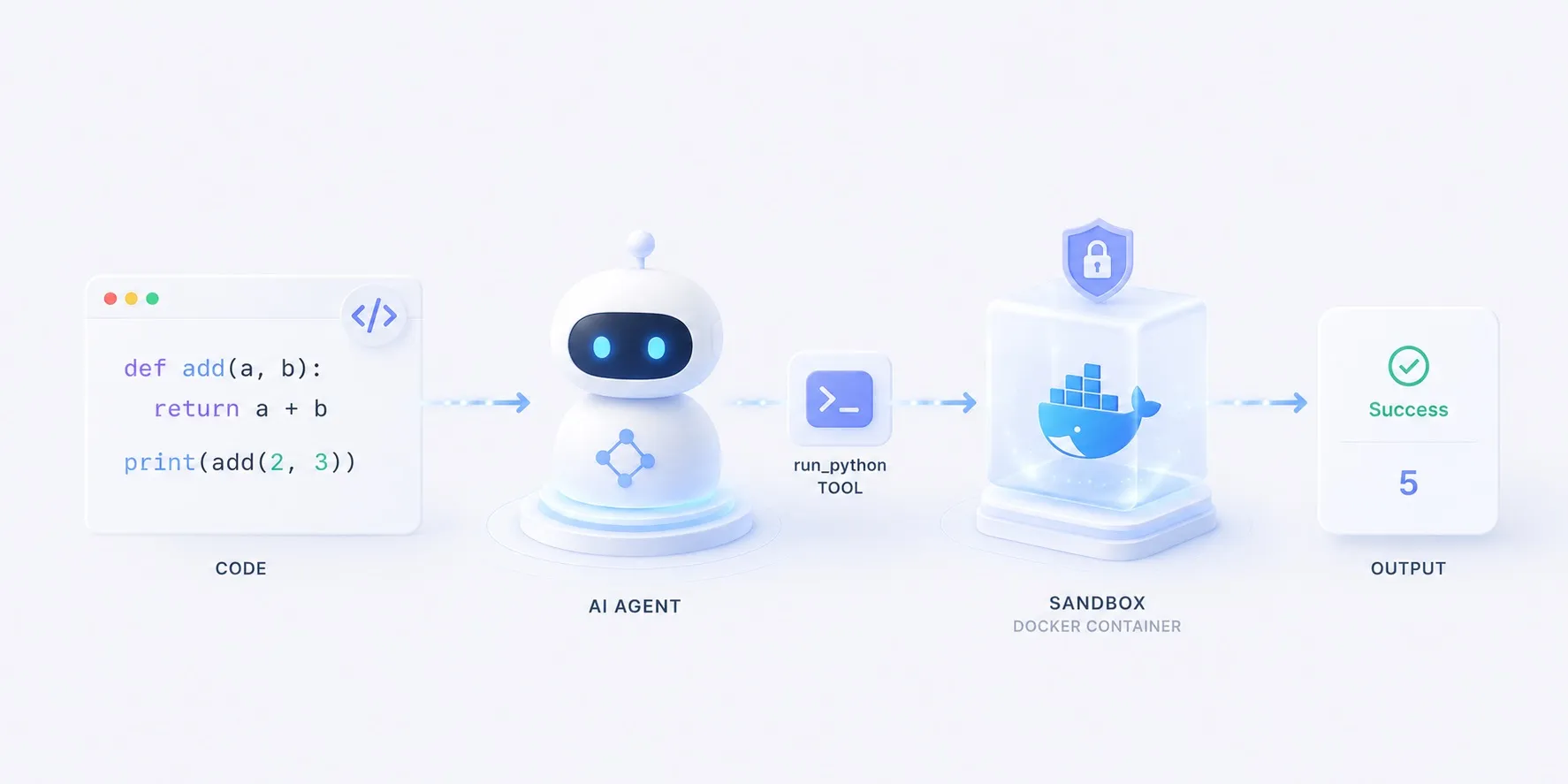
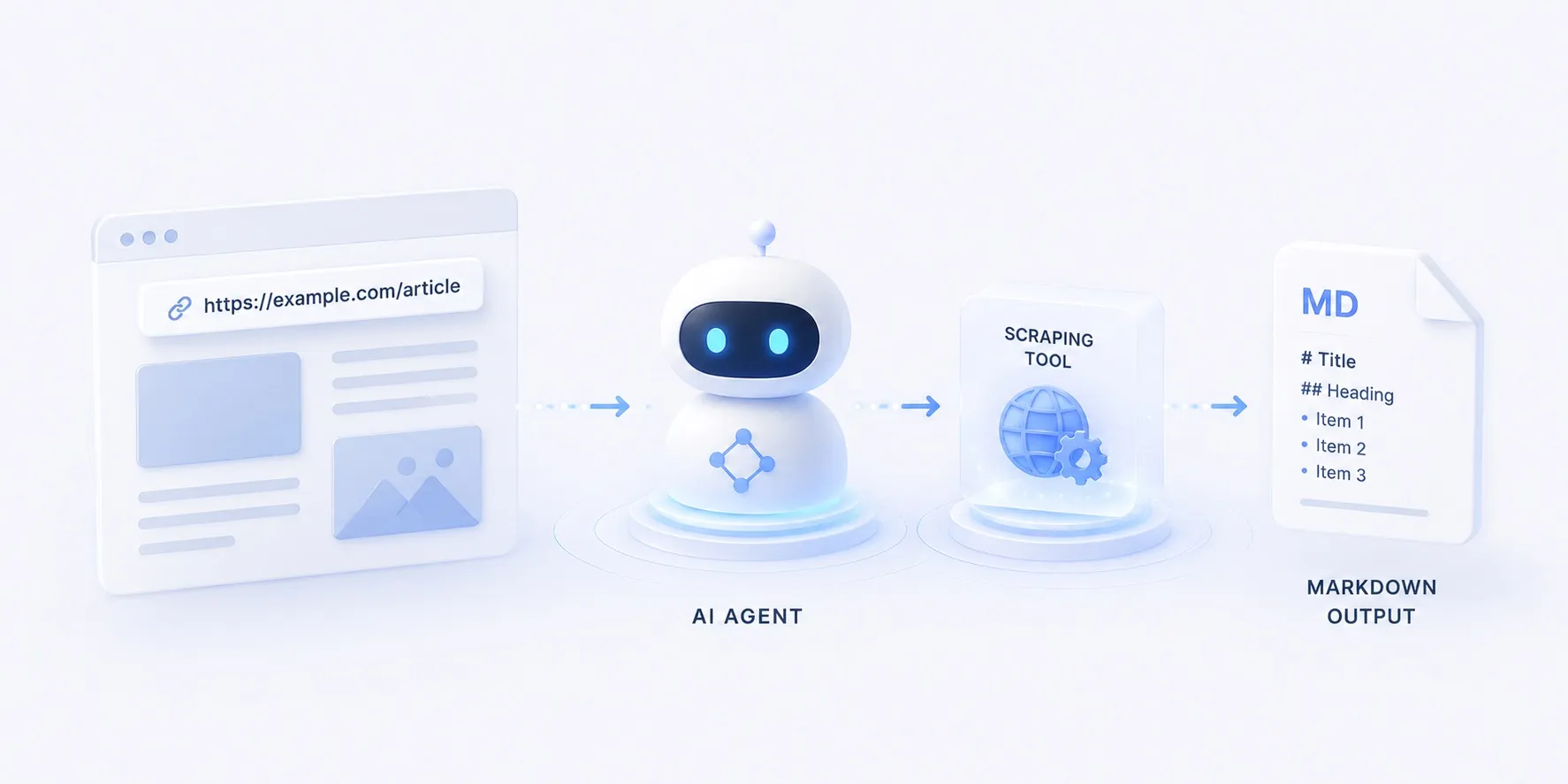
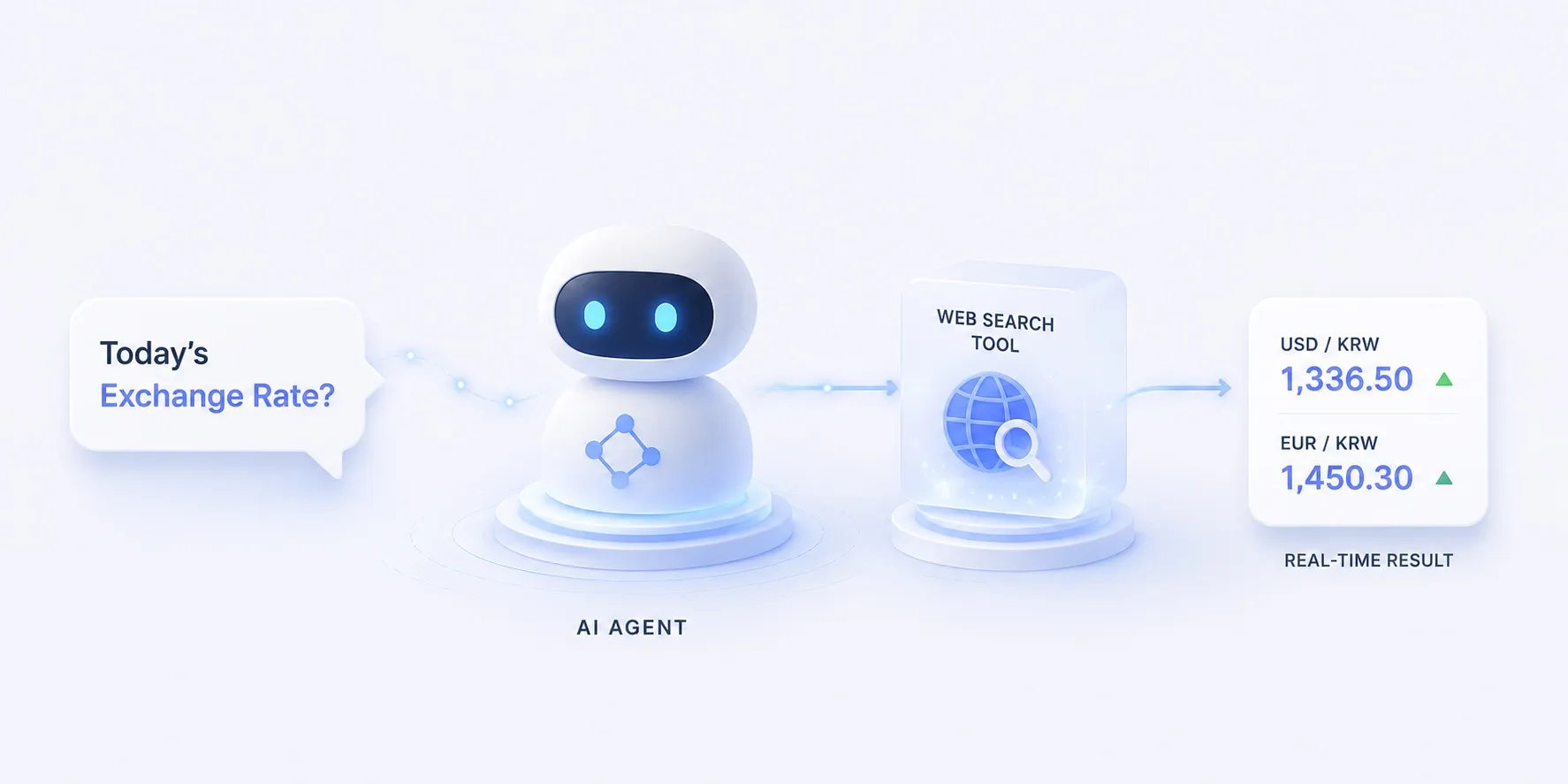
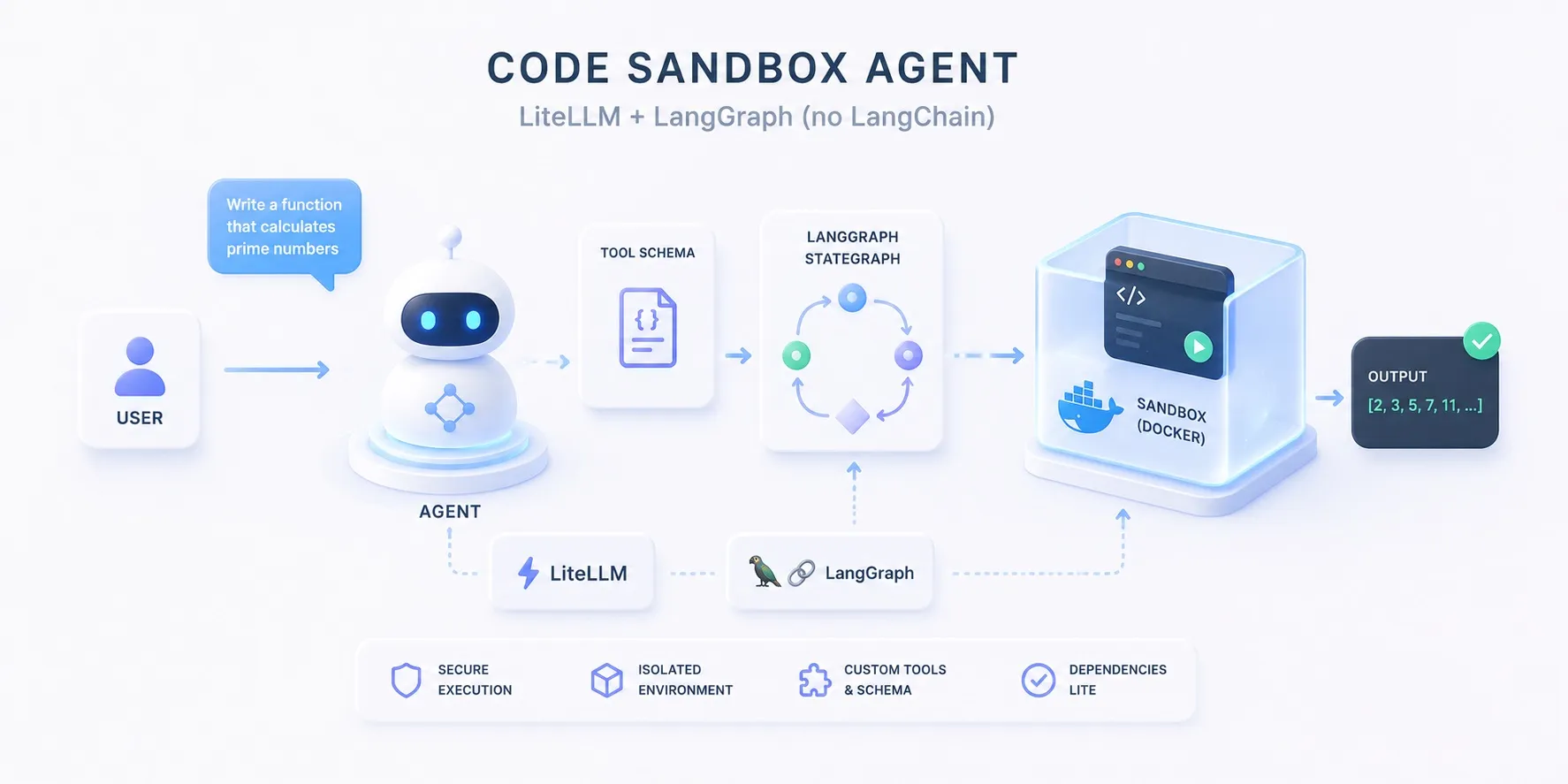
The code-sandbox, web-scraping, and web-search tutorial agents are all built from the same two lines.
model = ChatLiteLLM(model=os.environ.get("MODEL", "claude-opus-4-8"), temperature=0)
agent = create_agent(model, tools=[run_python])
But look at the imports: create_agent comes from langchain.agents, and ChatLiteLLM from langchain_litellm.
The articles keep calling these LangGraph agents — so why is the code all LangChain?
Fair question, and the answer is “different layers”. This article peels them apart, then compares what changes when you wire the same loop without LangChain.
The three layers
One agent packs three orthogonal decisions.
- Model routing — does this request go to Claude, GPT, or Gemini? That’s LiteLLM‘s job.
- Loop runtime — how long does reason → tool call → observe keep spinning? That’s LangGraph‘s job.
- Interface glue — the standard types and prebuilts connecting the two. That’s LangChain, and it’s the only optional layer.
flowchart TB
  app["your agent code"] --> loop["loop runtime — LangGraph"]
  loop --> glue["interface glue — LangChain (optional)"]
  glue --> route["model routing — LiteLLM"]
  route --> llm[("Claude · GPT · Gemini")]
  class loop roleTool
  class glue roleFocus
  class route roleModel
The confusion comes from where create_agent lives.
It’s imported from langchain, but the function compiles and returns a LangGraph state graph.
That’s why the tutorial samples list langgraph in requirements.txt, and why agent.invoke({"messages": […]}) is LangGraph’s message-state API.
So “a LangGraph ReAct loop” is accurate — LangChain is the wrapper that builds that loop in one line.
Option A — the LangChain glue: create_agent
What the tutorials use. This is the entire wiring.
from langchain.agents import create_agent
from langchain_core.tools import tool
from langchain_litellm import ChatLiteLLM

@tool
def run_python(code: str) -> str:
    """Run a snippet of Python and return its stdout/stderr."""
    ...

model = ChatLiteLLM(model=os.environ.get("MODEL", "claude-opus-4-8"), temperature=0)
agent = create_agent(model, tools=[run_python])
result = agent.invoke({"messages": [{"role": "user", "content": question}]})
You get real things for free:
@toolderives the tool schema from the function signature and docstring- The prebuilt loop parses, dispatches, and returns the model’s tool_calls
- Message-state management (the
add_messagesreducer) and standard message types
Option B — no LangChain: litellm + StateGraph
The same loop wired with just the two libraries. The tool schema is declared as JSON by hand, and the state is a plain list of dicts.
import json
import os

import litellm
from langgraph.graph import END, START, StateGraph
from typing_extensions import TypedDict

RUN_PYTHON = {
    "type": "function",
    "function": {
        "name": "run_python",
        "description": "Run a snippet of Python and return its stdout/stderr.",
        "parameters": {
            "type": "object",
            "properties": {"code": {"type": "string"}},
            "required": ["code"],
        },
    },
}

def run_python(code: str) -> str:  # a plain function — no decorator
    ...

class State(TypedDict):
    messages: list  # plain OpenAI-format dicts

def call_model(state: State) -> State:
    resp = litellm.completion(
        model=os.environ.get("MODEL", "claude-opus-4-8"),
        messages=state["messages"],
        tools=[RUN_PYTHON],
    )
    msg = resp.choices[0].message
    return {"messages": state["messages"] + [msg.model_dump()]}

def call_tools(state: State) -> State:
    results = [
        {
            "role": "tool",
            "tool_call_id": c["id"],
            "content": run_python(json.loads(c["function"]["arguments"])["code"]),
        }
        for c in state["messages"][-1]["tool_calls"]
    ]
    return {"messages": state["messages"] + results}

def route(state: State) -> str:
    return "tools" if state["messages"][-1].get("tool_calls") else "end"

graph = StateGraph(State)
graph.add_node("model", call_model)
graph.add_node("tools", call_tools)
graph.add_edge(START, "model")
graph.add_conditional_edges("model", route, {"tools": "tools", "end": END})
graph.add_edge("tools", "model")
agent = graph.compile()

result = agent.invoke({"messages": [{"role": "user", "content": question}]})
Everything option A hid is now on the surface:
- Schemas by hand — a JSON declaration instead of the docstring auto-conversion
- Dispatch by hand — pull the name and arguments out of
tool_calls, parse them, and hand results back tagged withtool_call_id - Raw state — plain dict lists that nodes append to, instead of LangChain message types and the
add_messagesreducer - In exchange, every step is transparent — there’s no magic left in the loop; everything that moves is your code
Routing is still LiteLLM‘s job, so switching providers via the MODEL env var works unchanged — and the graph, checkpoints, and streaming are LangGraph‘s, so those work unchanged too.
For this approach completed as a working agent, see Code-sandbox agent, hand-wired.
What you gain and lose
| Option A — create_agent | Option B — wired by hand | |
|---|---|---|
| Wiring code | two lines | ~50 lines |
| Tool definition | @tool + docstring auto-conversion | hand-written JSON schema |
| tool_calls handling | parsed and dispatched by the prebuilt | parsed and dispatched by you |
| Message state | LangChain message types + reducer | plain dict list |
| Provider switching | MODEL env var | MODEL env var — identical |
| Dependencies | langchain, langchain-litellm, langgraph, litellm | just langgraph and litellm |
| Loop transparency | prebuilt internals are a black box | every step is your code |
Which to choose
- For prototypes, tutorials, and code where the tool is the point, take option A. Two lines of wiring keep the focus on what matters — tool design, isolation, prompts — which is why every tutorial in this catalog uses it.
- To learn the loop itself or control it precisely — per-step logging, custom stop conditions, message shaping — option B is better. You trade wiring code for two fewer dependencies and full visibility.
- There’s also a middle ground: the second example on the LangGraph catalog page (langgraph_2) hand-wires the graph with
StateGraphbut reuses LangChain parts (ChatLiteLLM,ToolNode) — a transparent loop with the glue kept for free.
Either way, routing is LiteLLM and the runtime is LangGraph — two separate tools solving two separate problems from the start. The only thing that changes is whether LangChain fills the gap between them, or your code does.