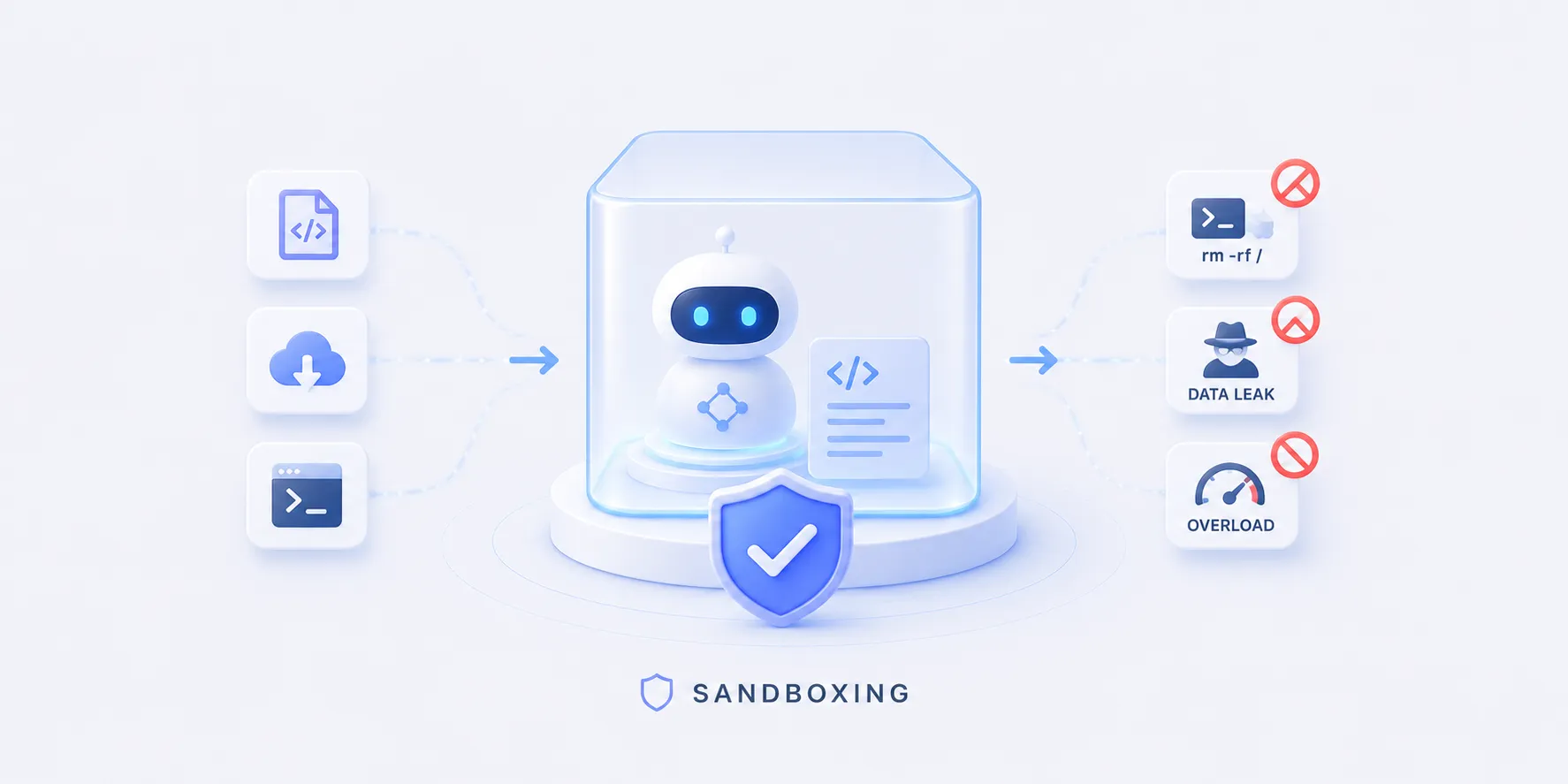
The Sandboxing concept makes the case that model-written code is outside the trust boundary and belongs in a throwaway, isolated environment.
Here we turn that code execution role into a working agent.
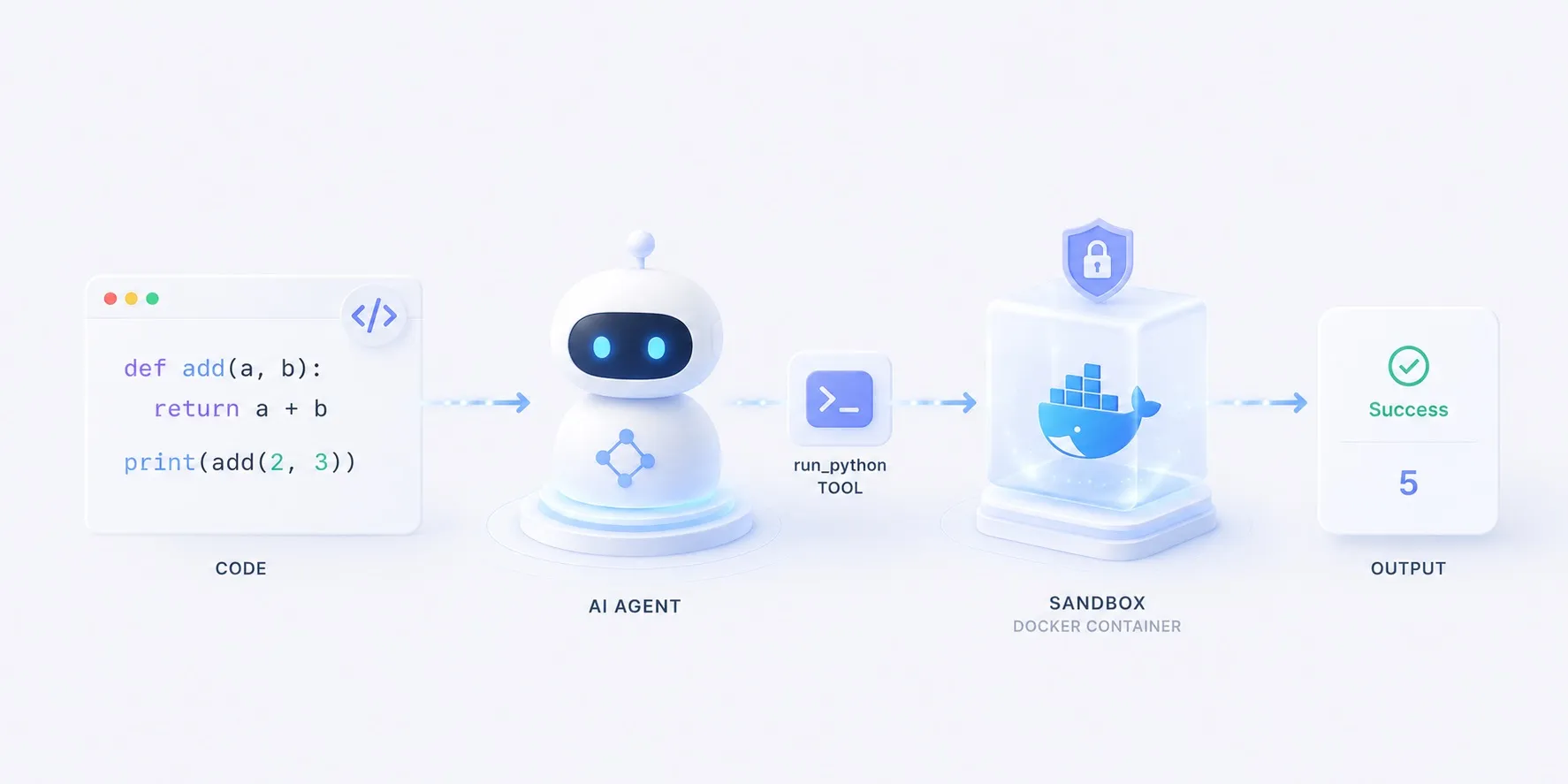
The tool never execs the code — it pipes it into a fresh Docker container every time.
What we’re building
- Given a task that needs computation, the model writes Python,
- the
run_pythontool runs it in an isolated Docker container and hands back the output, - and the model reads that and answers.
flowchart LR
  q["task — 30th Fibonacci?"] --> model["Model"]
  model -- code --> tool["run_python"]
  tool --> box["docker run — isolated container"]
  box --> out[("result · error")]
  out --> model
  model --> ans["answer"]
  class model roleModel
  class tool roleTool
  class out roleSource
The code never runs on the host.
--network nonecuts the network,--memory/--cpus/--pids-limitcap memory/CPU/process count,--rmthrows the container away when it exits.
Reading the code
The overall structure
app.py splits into three functions.
main()wires up the model and agent,run_python()is the tool the model calls,message_text()cleans up the final answer.
flowchart TB
  q["task (sys.argv)"] --> build["main() — build model + agent"]
  build --> react{"ReAct loop"}
  react -- reason --> model["Model (ChatLiteLLM)"]
  model -- tool call --> tool["run_python(code)"]
  tool --> dock[("docker run · python:3.12-slim")]
  dock -- stdout/stderr --> tool
  tool -- observe --> react
  react -- finish --> msg["message_text(content)"]
  msg --> out["print → stdout"]
  class model roleModel
  class tool roleTool
  class dock roleSource
The detailed structure
run_python(code) — the tool
flowchart TB
  q["task (sys.argv)"] --> build["main() — build model + agent"]
  build --> react{"ReAct loop"}
  react -- reason --> model["Model (ChatLiteLLM)"]
  model -- tool call --> tool["run_python(code)"]
  tool --> dock[("docker run · python:3.12-slim")]
  dock -- stdout/stderr --> tool
  tool -- observe --> react
  react -- finish --> msg["message_text(content)"]
  msg --> out["print → stdout"]
  class model roleModel
  class tool roleFocus
class dock roleSource- A single
@tool-wrapped function- its docstring tells the model when to reach for code
- Doesn’t run the code in-process; pipes it to
docker runviasubprocesspython -reads the program from stdin
- The isolation is in the flags
--network none(no network),--memory/--cpus/--pids-limit(resource caps),--user 65534(non-root),--rm(throwaway)
timeout=30kills runaway code; output is truncated to the first 4,000 chars
@tool
def run_python(code: str) -> str:
    """Run a snippet of Python and return its stdout/stderr. …"""
    proc = subprocess.run(
        [
            "docker", "run", "--rm", "-i",
            "--network", "none",      # no network: nothing leaves the box
            "--memory", "256m",       # memory cap
            "--cpus", "1",            # cpu cap
            "--pids-limit", "128",    # process cap (fork-bomb guard)
            "--user", "65534:65534",  # run as nobody, not root
            SANDBOX_IMAGE,
            "python", "-",            # read the program from stdin
        ],
        input=code,
        capture_output=True,
        text=True,
        timeout=30,                   # wall-clock guard
    )
    out = (proc.stdout or "") + (proc.stderr or "")
    return out.strip()[:4000] or "(no output)"
Excerpt — error handling omitted; the full code is in the Implementation section.
message_text(content) — tidying output
flowchart TB
  q["task (sys.argv)"] --> build["main() — build model + agent"]
  build --> react{"ReAct loop"}
  react -- reason --> model["Model (ChatLiteLLM)"]
  model -- tool call --> tool["run_python(code)"]
  tool --> dock[("docker run · python:3.12-slim")]
  dock -- stdout/stderr --> tool
  tool -- observe --> react
  react -- finish --> msg["message_text(content)"]
  msg --> out["print → stdout"]
  class model roleModel
  class tool roleTool
  class dock roleSource
class msg roleFocus- A model’s
contentvaries- a string from cloud models, a list of blocks from some local ones
- Join the
type == "text"blocks if it’s a list; leave a string as-is
def message_text(content) -> str:
    """Flatten an assistant message's content to plain text."""
    if isinstance(content, list):
        return "".join(
            part.get("text", "")
            for part in content
            if isinstance(part, dict) and part.get("type") == "text"
        )
    return content
main() — wiring
flowchart TB
  q["task (sys.argv)"] --> build["main() — build model + agent"]
  build --> react{"ReAct loop"}
  react -- reason --> model["Model (ChatLiteLLM)"]
  model -- tool call --> tool["run_python(code)"]
  tool --> dock[("docker run · python:3.12-slim")]
  dock -- stdout/stderr --> tool
  tool -- observe --> react
  react -- finish --> msg["message_text(content)"]
  msg --> out["print → stdout"]
  class model roleModel
  class tool roleTool
  class dock roleSource
class build roleFocus- Build
ChatLiteLLMfromMODELand a ReAct loop withcreate_agent(model, tools=[run_python]) agent.invoke({"messages": […]})runs reason → tool call → observe- When it finishes, clean the last message with
message_text()and print it
def main() -> None:
    question = " ".join(sys.argv[1:]) or "What is the 30th Fibonacci number? Use code."

    # MODEL chooses the provider (claude-opus-4-8 / gpt-4o / gemini/gemini-2.5-flash).
    model = ChatLiteLLM(model=os.environ.get("MODEL", "claude-opus-4-8"), temperature=0)
    agent = create_agent(model, tools=[run_python])

    result = agent.invoke({"messages": [{"role": "user", "content": question}]})
    final = result["messages"][-1]
    answer = (message_text(final.content) or "").strip()
    print(answer or f"[no text in the final message] {final!r}")
The import says langchain, but what create_agent returns is a LangGraph graph.
Why that glue layer exists — and what the same loop looks like wired with just LiteLLM + LangGraph — is covered in a separate comparison.
The implementation
One run_python tool on a LangGraph ReAct loop.
The tool’s body is essentially a single docker run, and the safety comes from the flags hung off it.
samples/docker_1June 28, 2026The key parts
- The tool is the isolation boundary
run_pythonpipes code to a fresh container instead ofexecing it,- so a mishap ends in a throwaway box, not on the host.
- The isolation lives in the flags
- no network, resource caps, non-root, and ephemeral together shrink the blast radius.
- Docker if you self-host, E2B / Modal if you don’t
- the same role, run yourself (Docker) or delegated behind one API call.
- Swap the provider
- change
MODELin.envand the same code runs on a different model.
- change
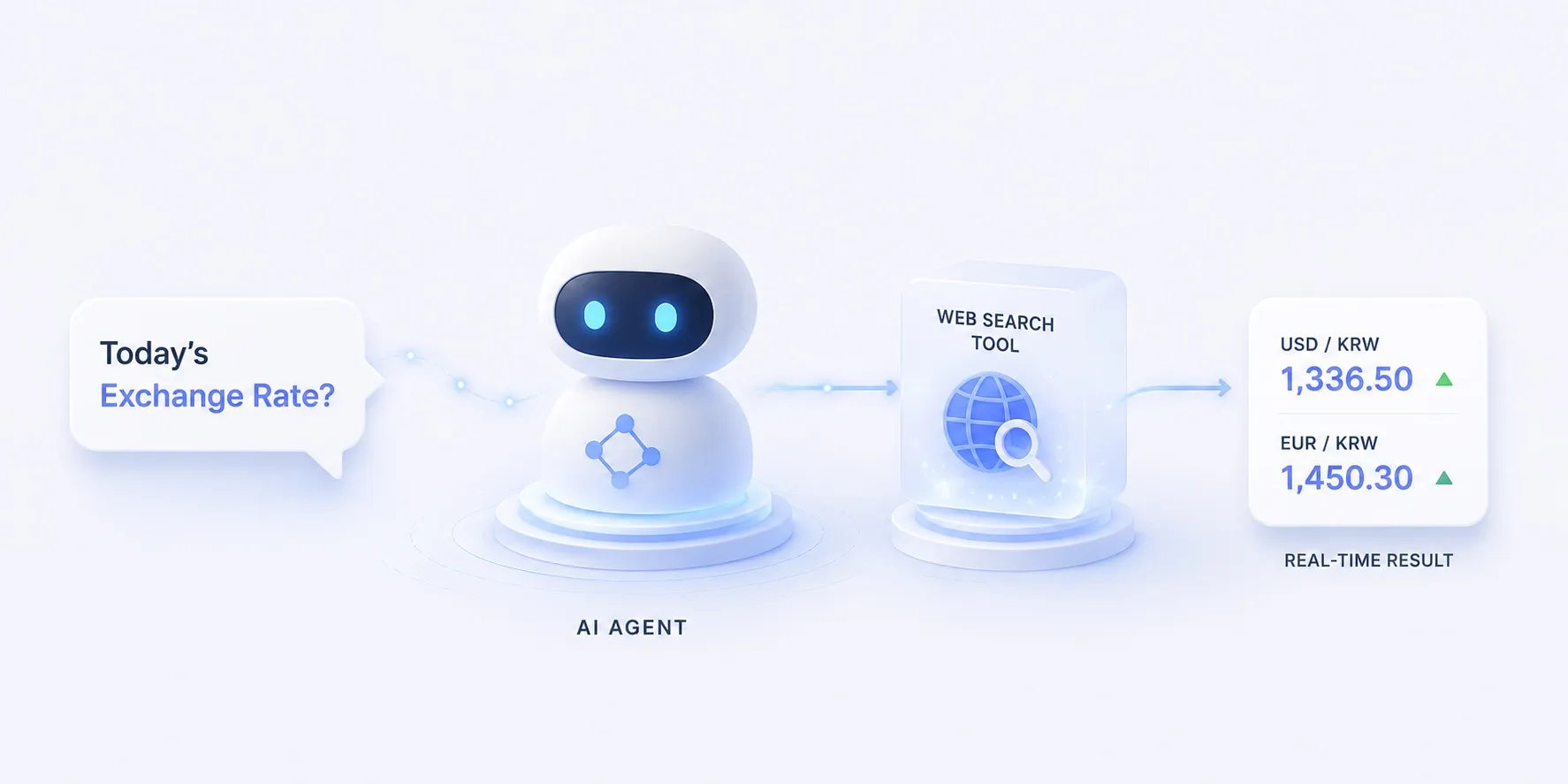
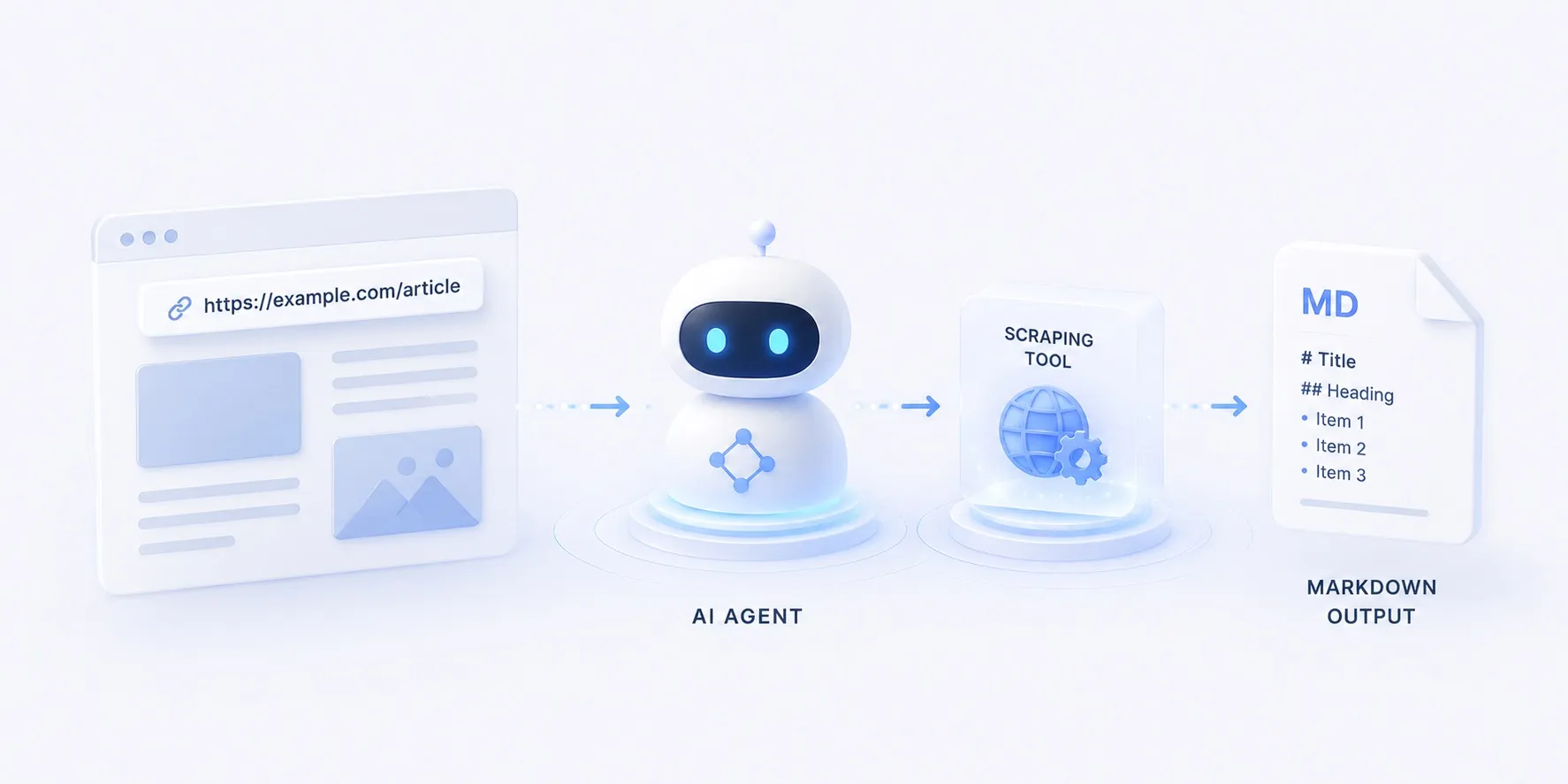
Swap the tool for search and you get asking today’s FX rate; swap it for scraping and you get a docs page to Markdown.
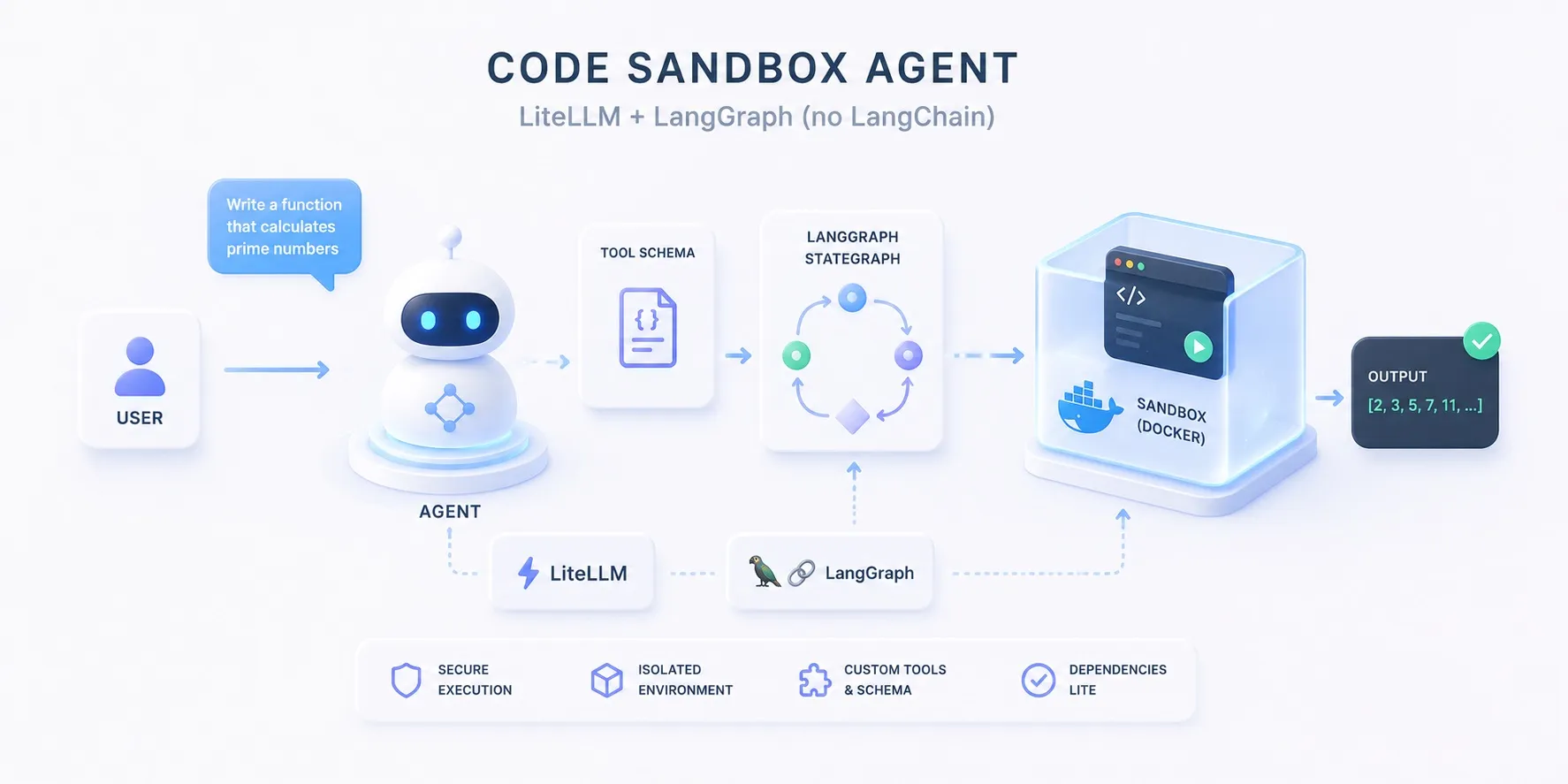
The same agent wired without LangChain — just LiteLLM + LangGraph — is in the hand-wired edition.
Why and how to isolate is laid out in the Sandboxing concept.